


Instagram NFTs Are Here… How does this affect artists?
Instagram (IG) is officially joining NFT. With the debut of new in-app NFT functionalities, influential producers can interact with blockchain tech on the social media platform.
Meta unveiled intentions for an Instagram NFT marketplace in March, but these latest capabilities focus more on content sharing than commerce. And why shouldn’t they? IG's entry into the NFT market is overdue, given that Twitter and Discord are NFT hotspots.
The NFT marketplace/Web3 social media race has continued to expand, with the expected Coinbase NFT Beta now live and blazing a trail through the NFT ecosystem.
IG's focus is on visual art. It's unlike any NFT marketplace or platform. IG NFTs and artists: what's the deal? Let’s take a look.
What are Instagram’s NFT features anyways?
As said, not everyone has Instagram's new features. 16 artists, NFT makers, and collectors can now post NFTs on IG by integrating third-party digital wallets (like Rainbow or MetaMask) in-app. IG doesn't charge to publish or share digital collectibles.
NFTs displayed on the app have a "shimmer" aesthetic effect. NFT posts also have a "digital collectable" badge that lists metadata such as the creator and/or owner, the platform it was created on, a brief description, and a blockchain identification.
Meta's social media NFTs have launched on Instagram, but the company is also preparing to roll out digital collectibles on Facebook, with more on the way for IG. Currently, only Ethereum and Polygon are supported, but Flow and Solana will be added soon.
How will artists use these new features?
Artists are publishing NFTs they developed or own on IG by linking third-party digital wallets. These features have no NFT trading aspects built-in, but are aimed to let authors share NFTs with IG audiences.
Creators, like IG-native aerial/street photographer Natalie Amrossi (@misshattan), are discovering novel uses for IG NFTs.
Amrossi chose to not only upload his own NFTs but also encourage other artists in the field. "That's the beauty of connecting your wallet and sharing NFTs. It's not just what you make, but also what you accumulate."
Amrossi has been producing and posting Instagram art for years. With IG's NFT features, she can understand Instagram's importance in supporting artists.
Web2 offered Amrossi the tools to become an artist and make a life. "Before 'influencer' existed, I was just making art. Instagram helped me reach so many individuals and brands, giving me a living.
Even artists without millions of viewers are encouraged to share NFTs on IG. Wilson, a relatively new name in the NFT space, seems to have already gone above and beyond the scope of these new IG features. By releasing "Losing My Mind" via IG NFT posts, she has evaded the lack of IG NFT commerce by using her network to market her multi-piece collection.
"'Losing My Mind' is a long-running photo series. Wilson was preparing to release it as NFTs before IG approached him, so it was a perfect match.
Wilson says the series is about Black feminine figures and media depiction. Respectable effort, given POC artists have been underrepresented in NFT so far.
“Over the past year, I've had mental health concerns that made my emotions so severe it was impossible to function in daily life, therefore that prompted this photo series. Every Wednesday and Friday for three weeks, I'll release a new Meta photo for sale.
Wilson hopes these new IG capabilities will help develop a connection between the NFT community and other internet subcultures that thrive on Instagram.
“NFTs can look scary as an outsider, but seeing them on your daily IG feed makes it less foreign,” adds Wilson. I think Instagram might become a hub for NFT aficionados, making them more accessible to artists and collectors.
What does it all mean for the NFT space?
Meta's NFT and metaverse activities will continue to impact Instagram's NFT ecosystem. Many think it will be for the better, as IG NFT frauds are another problem hurting the NFT industry.
IG's new NFT features seem similar to Twitter's PFP NFT verifications, but Instagram's tools should help cut down on scams as users can now verify the creation and ownership of whole NFT collections included in IG posts.
Given the number of visual artists and NFT creators on IG, it might become another hub for NFT fans, as Wilson noted. If this happens, it raises questions about Instagram success. Will artists be incentivized to distribute NFTs? Or will those with a large fanbase dominate?
Elise Swopes (@swopes) believes these new features should benefit smaller artists. Swopes was one of the first profiles placed to Instagram's original suggested user list in 2012.
Swopes says she wants IG to be a magnet for discovery and understands the value of NFT artists and producers.
"I'd love to see IG become a focus of discovery for everyone, not just the Beeples and Apes and PFPs. That's terrific for them, but [IG NFT features] are more about using new technology to promote emerging artists, Swopes added.
“Especially music artists. It's everywhere. Dancers, writers, painters, sculptors, musicians. My element isn't just for digital artists; it can be anything. I'm delighted to witness people's creativity."
Swopes, Wilson, and Amrossi all believe IG's new features can help smaller artists. It remains to be seen how these new features will effect the NFT ecosystem once unlocked for the rest of the IG NFT community, but we will likely see more social media NFT integrations in the months and years ahead.
Read the full article here
More on NFTs & Art

Adrien Book
3 years ago
What is Vitalik Buterin's newest concept, the Soulbound NFT?
Decentralizing Web3's soul
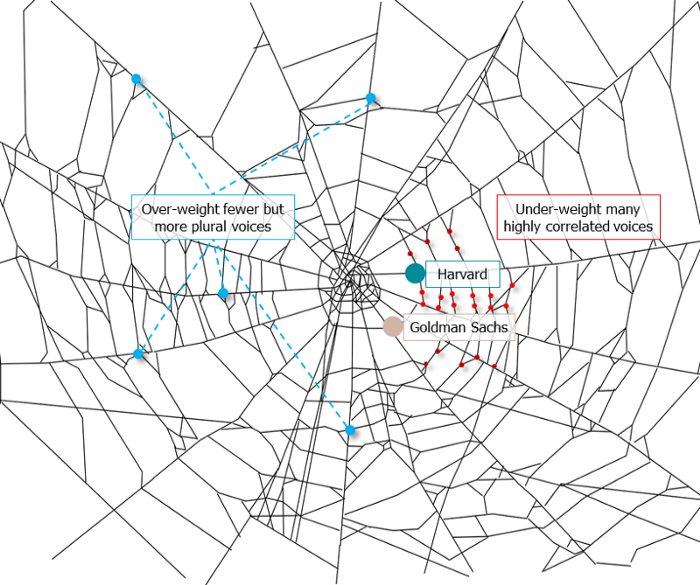
Our tech must reflect our non-transactional connections. Web3 arose from a lack of social links. It must strengthen these linkages to get widespread adoption. Soulbound NFTs help.
This NFT creates digital proofs of our social ties. It embodies G. Simmel's idea of identity, in which individuality emerges from social groups, just as social groups evolve from people.
It's multipurpose. First, gather online our distinctive social features. Second, highlight and categorize social relationships between entities and people to create a spiderweb of networks.
1. 🌐 Reducing online manipulation: Only socially rich or respectable crypto wallets can participate in projects, ensuring that no one can create several wallets to influence decentralized project governance.
2. 🤝 Improving social links: Some sectors of society lack social context. Racism, sexism, and homophobia do that. Public wallets can help identify and connect distinct social groupings.
3. 👩❤️💋👨 Increasing pluralism: Soulbound tokens can ensure that socially connected wallets have less voting power online to increase pluralism. We can also overweight a minority of numerous voices.
4. 💰Making more informed decisions: Taking out an insurance policy requires a life review. Why not loans? Character isn't limited by income, and many people need a chance.
5. 🎶 Finding a community: Soulbound tokens are accessible to everyone. This means we can find people who are like us but also different. This is probably rare among your friends and family.
NFTs are dangerous, and I don't like them. Social credit score, privacy, lost wallet. We must stay informed and keep talking to innovators.
E. Glen Weyl, Puja Ohlhaver and Vitalik Buterin get all the credit for these ideas, having written the very accessible white paper “Decentralized Society: Finding Web3’s Soul”.

shivsak
3 years ago
A visual exploration of the REAL use cases for NFTs in the Future
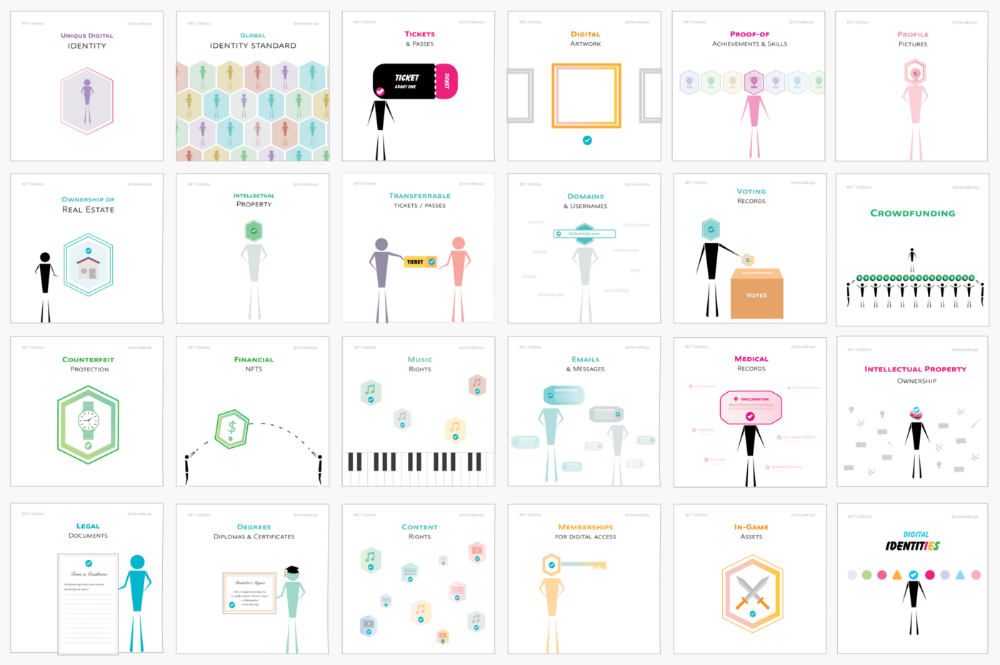
In this essay, I studied REAL NFT use examples and their potential uses.
Knowledge of the Hype Cycle
Gartner's Hype Cycle.
It proposes 5 phases for disruptive technology.
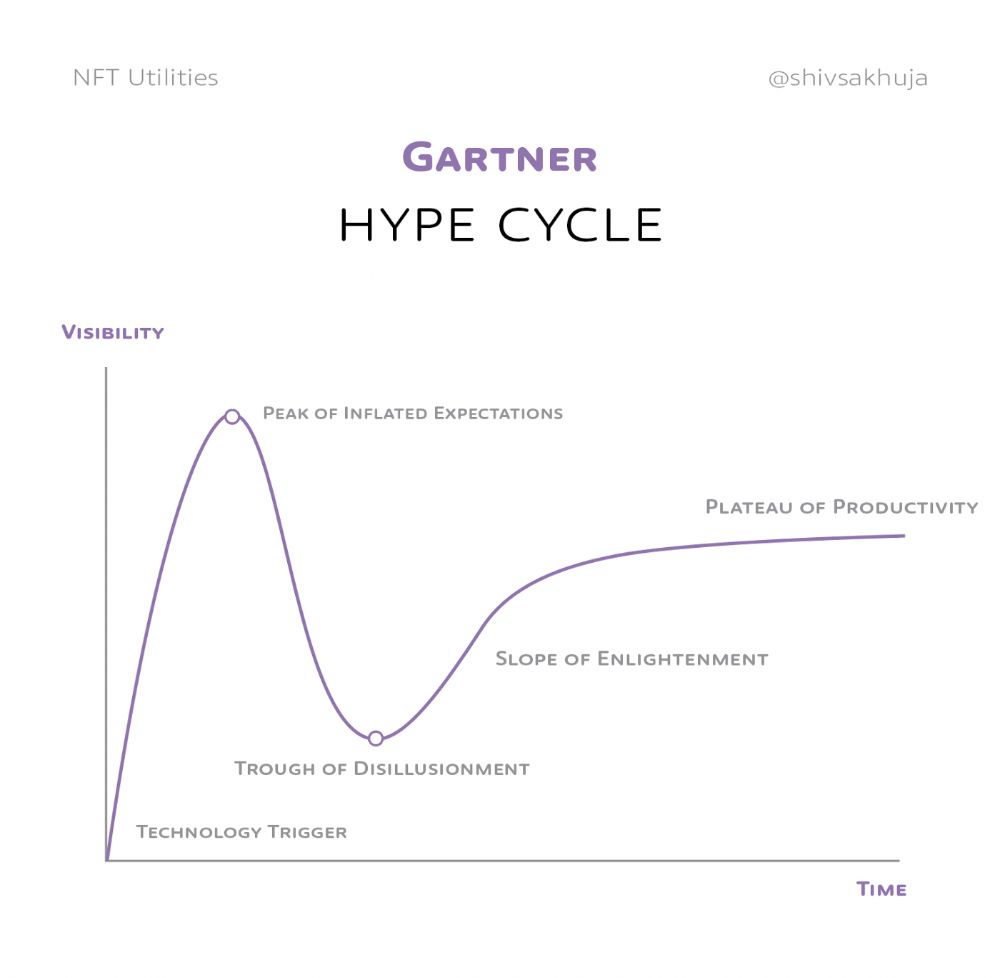
1. Technology Trigger: the emergence of potentially disruptive technology.
2. Peak of Inflated Expectations: Early publicity creates hype. (Ex: 2021 Bubble)
3. Trough of Disillusionment: Early projects fail to deliver on promises and the public loses interest. I suspect NFTs are somewhere around this trough of disillusionment now.
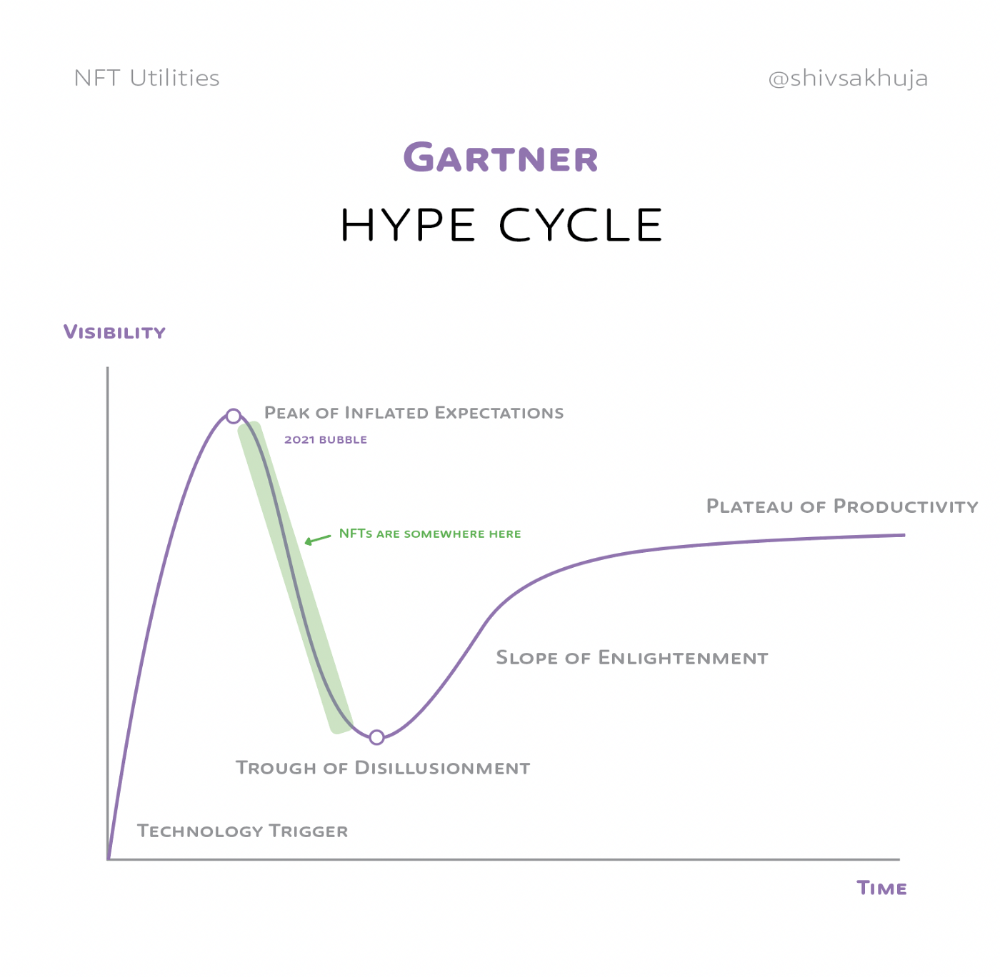
4. Enlightenment slope: The tech shows successful use cases.
5. Plateau of Productivity: Mainstream adoption has arrived and broader market applications have proven themselves. Here’s a more detailed visual of the Gartner Hype Cycle from Wikipedia.
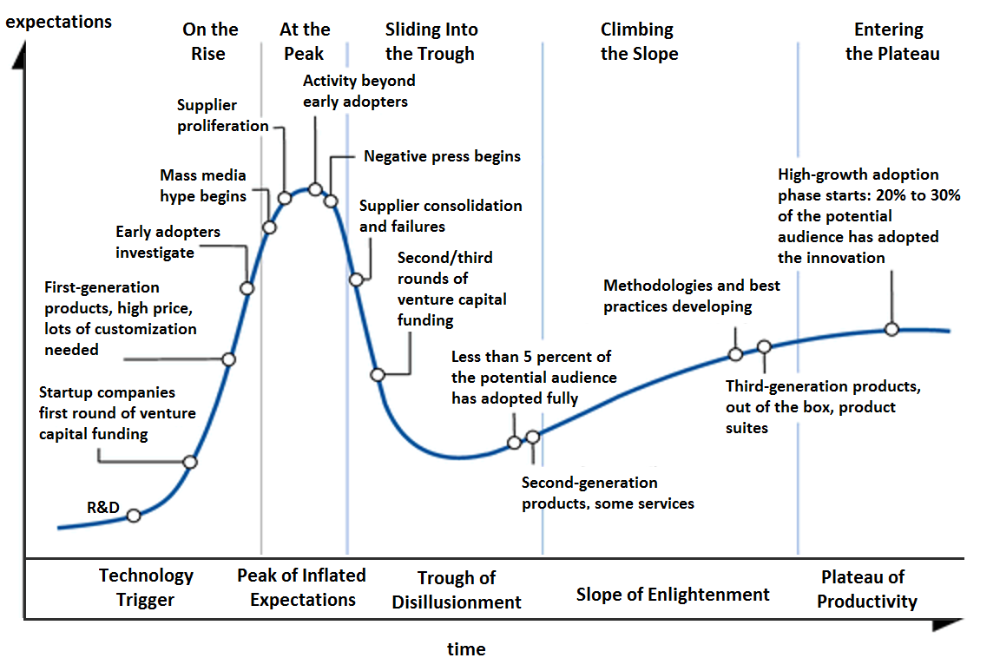
In the speculative NFT bubble of 2021, @beeple sold Everydays: the First 5000 Days for $69 MILLION in 2021's NFT bubble.
@nbatopshot sold millions in video collectibles.
This is when expectations peaked.
Let's examine NFTs' real-world applications.
Watch this video if you're unfamiliar with NFTs.
Online Art
Most people think NFTs are rich people buying worthless JPEGs and MP4s.
Digital artwork and collectibles are revolutionary for creators and enthusiasts.
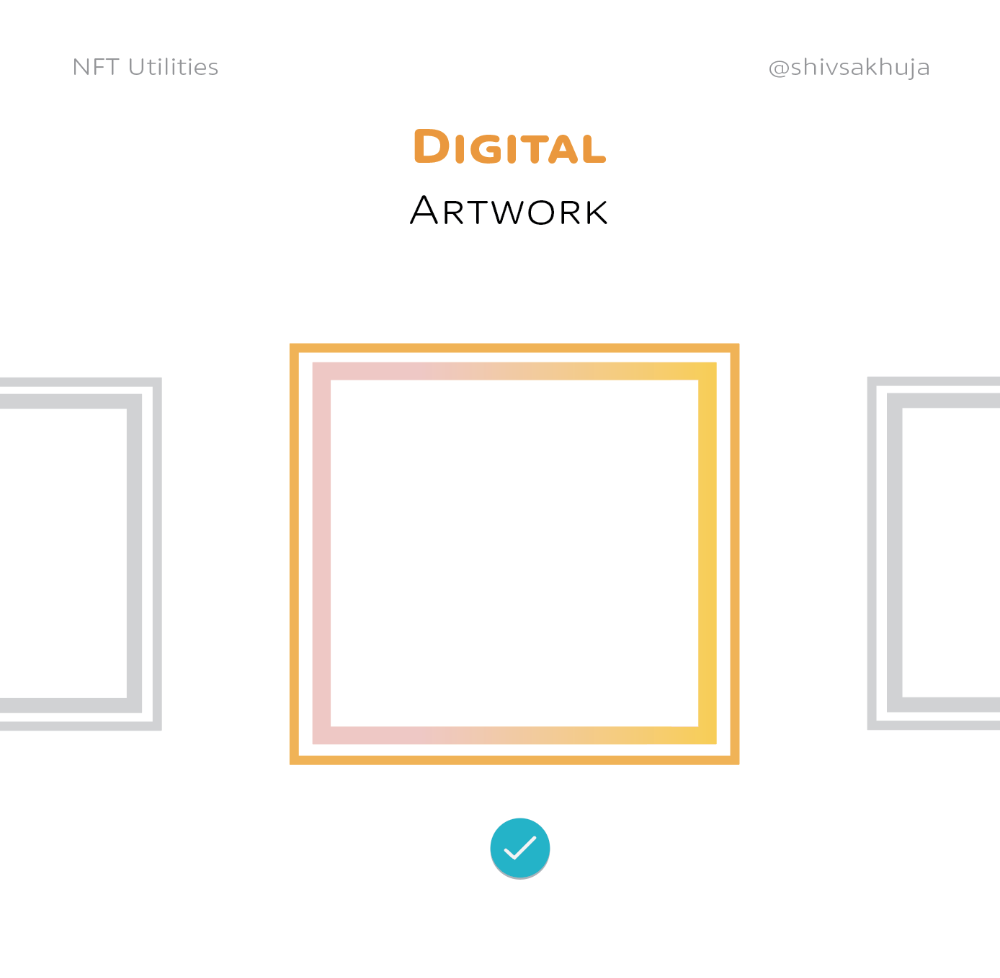
NFT Profile Pictures
You might also have seen NFT profile pictures on Twitter.
My profile picture is an NFT I coined with @skogards factoria app, which helps me avoid bogus accounts.
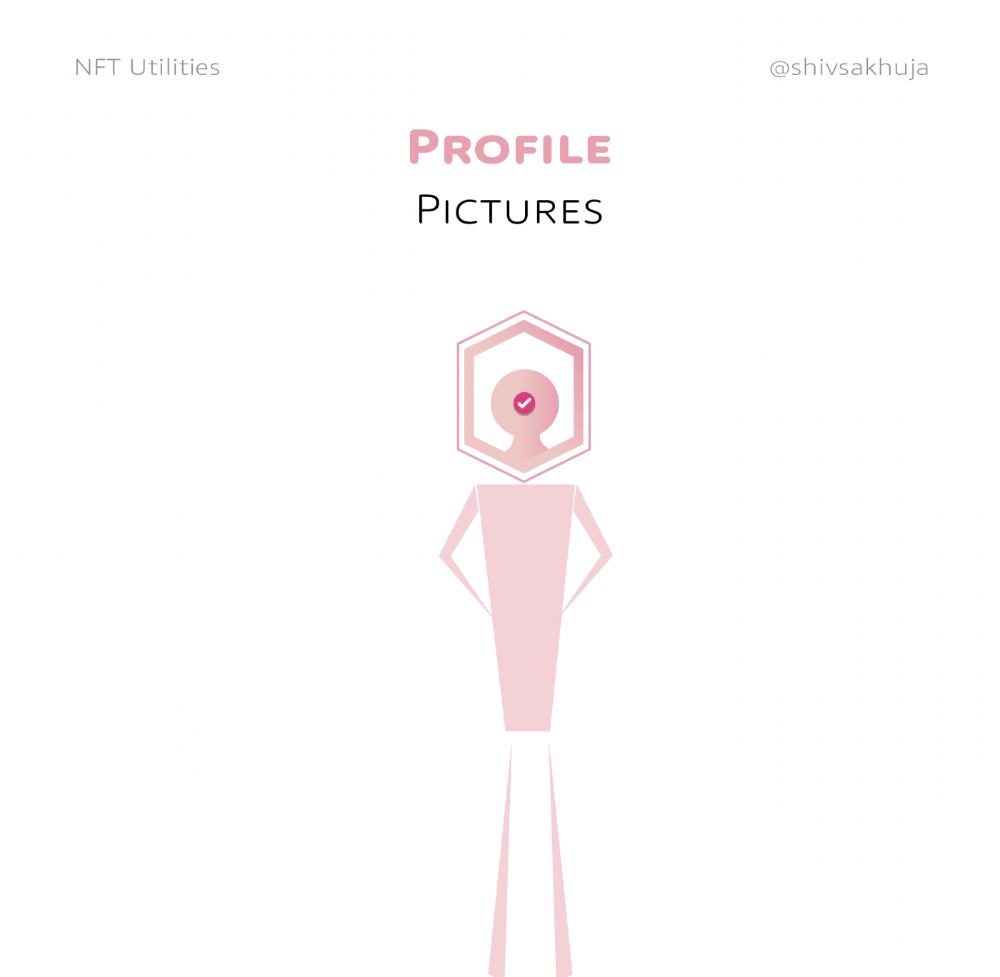
Profile pictures are a good beginning point because they're unique and clearly yours.
NFTs are a way to represent proof-of-ownership. It’s easier to prove ownership of digital assets than physical assets, which is why artwork and pfps are the first use cases.
They can do much more.
NFTs can represent anything with a unique owner and digital ownership certificate. Domains and usernames.
Usernames & Domains
@unstoppableweb, @ensdomains, @rarible sell NFT domains.
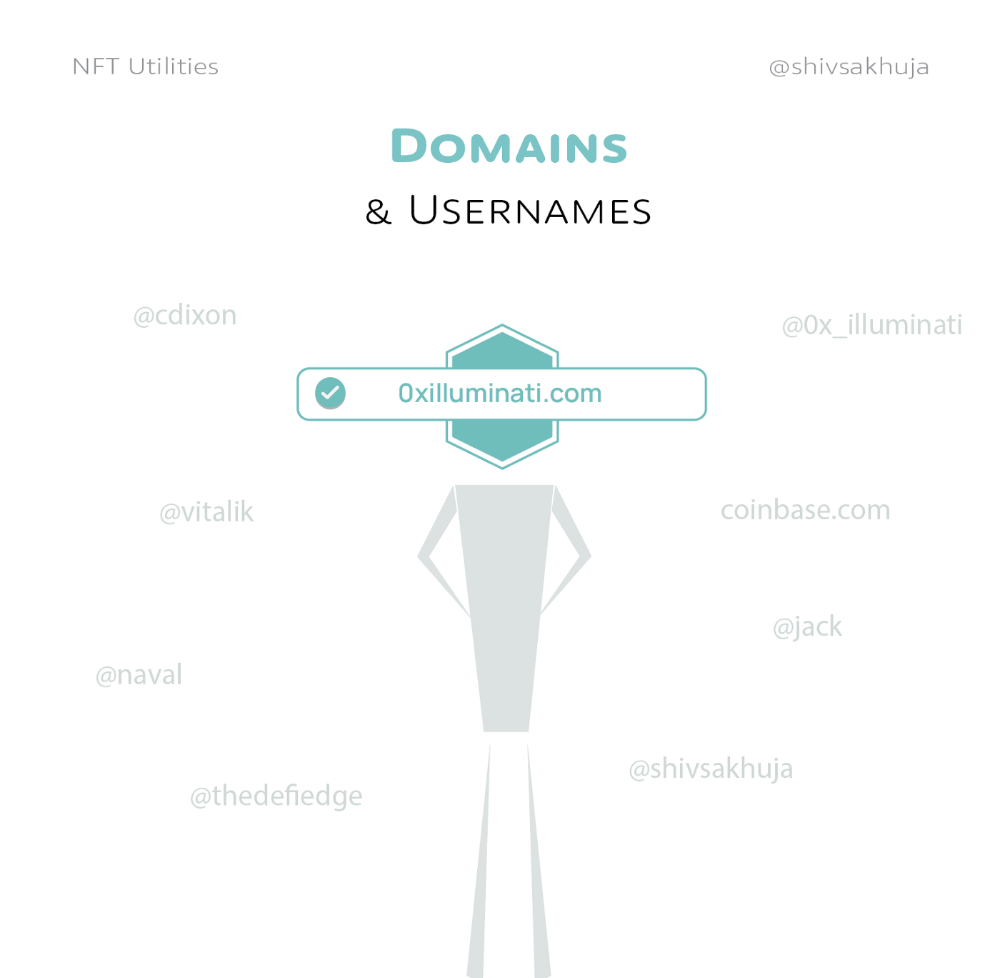
NFT domains are transferable, which is a benefit.
Godaddy and other web2 providers have difficult-to-transfer domains. Domains are often leased instead of purchased.
Tickets
NFTs can also represent concert tickets and event passes.
There's a limited number, and entry requires proof.
NFTs can eliminate the problem of forgery and make it easy to verify authenticity and ownership.
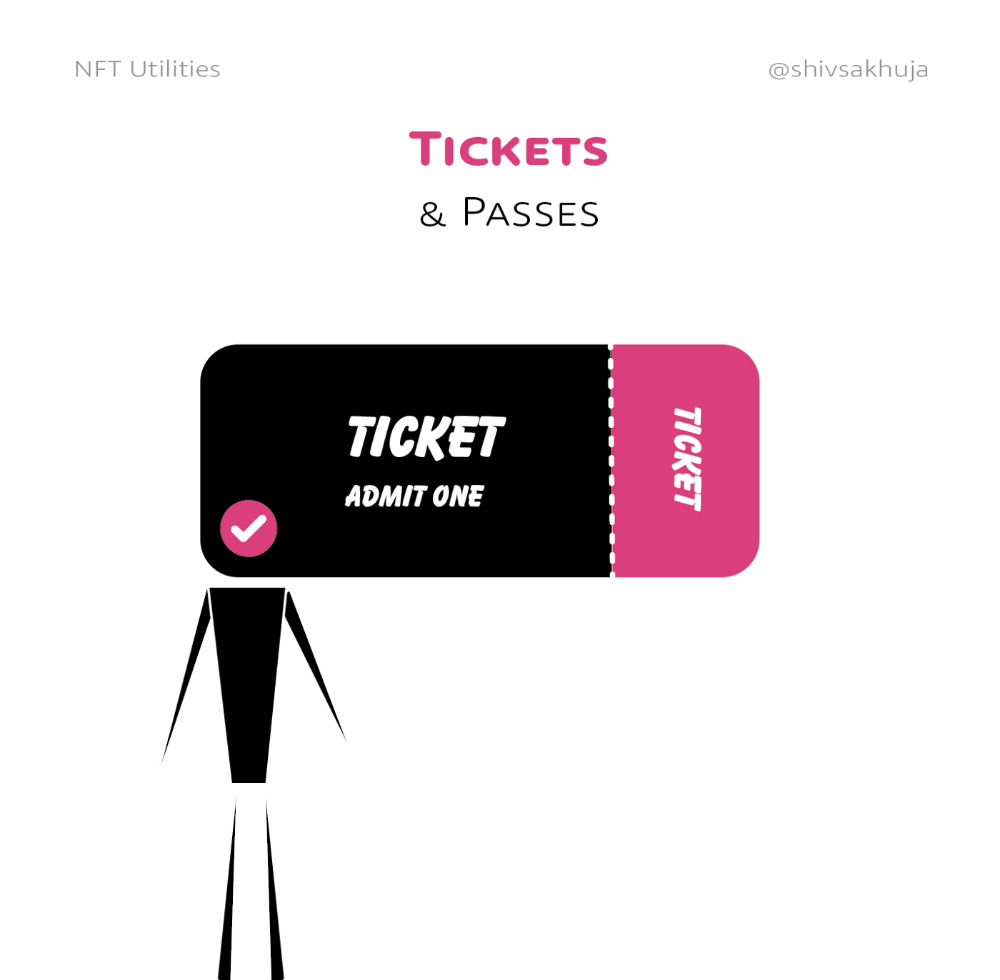
NFT tickets can be traded on the secondary market, which allows for:
marketplaces that are uniform and offer the seller and buyer security (currently, tickets are traded on inefficient markets like FB & craigslist)
unbiased pricing
Payment of royalties to the creator
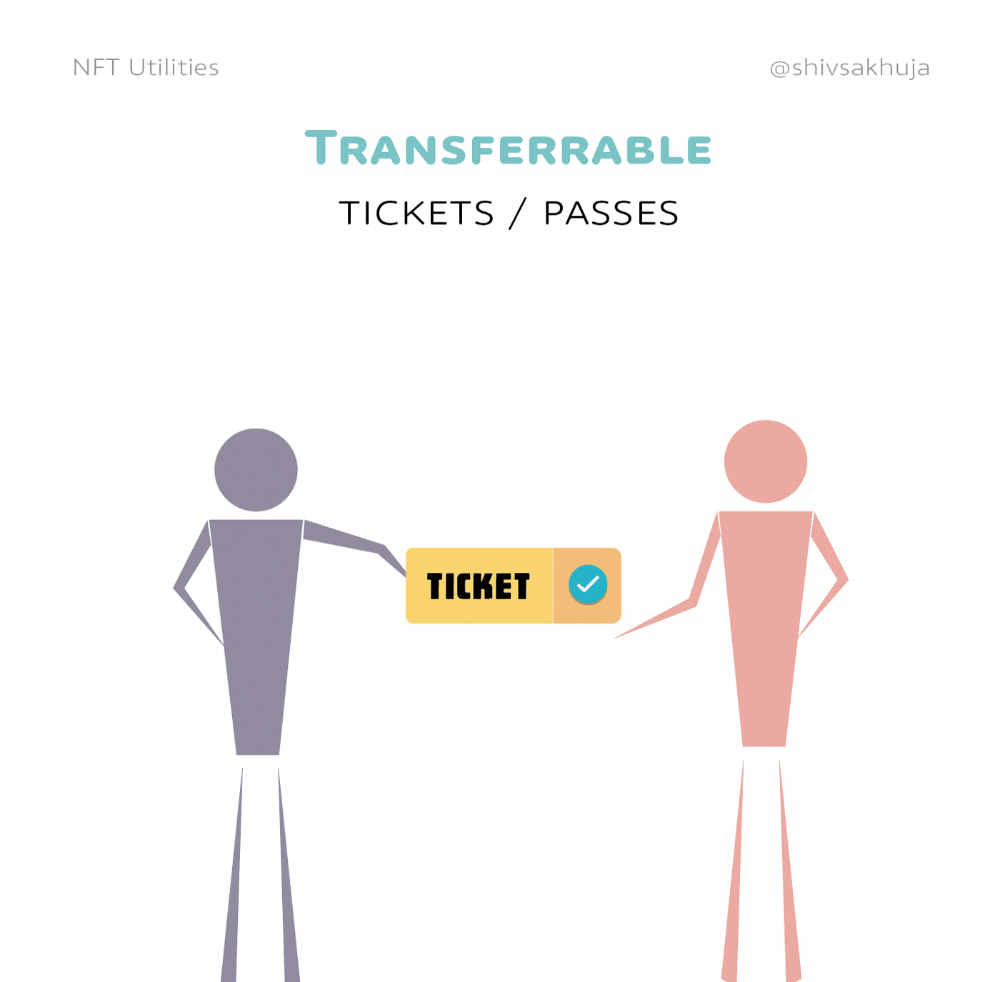
4. Historical ticket ownership data implies performers can airdrop future passes, discounts, etc.
5. NFT passes can be a fandom badge.
The $30B+ online tickets business is increasing fast.
NFT-based ticketing projects:
Gaming Assets
NFTs also help in-game assets.
Imagine someone spending five years collecting a rare in-game blade, then outgrowing or quitting the game. Gamers value that collectible.
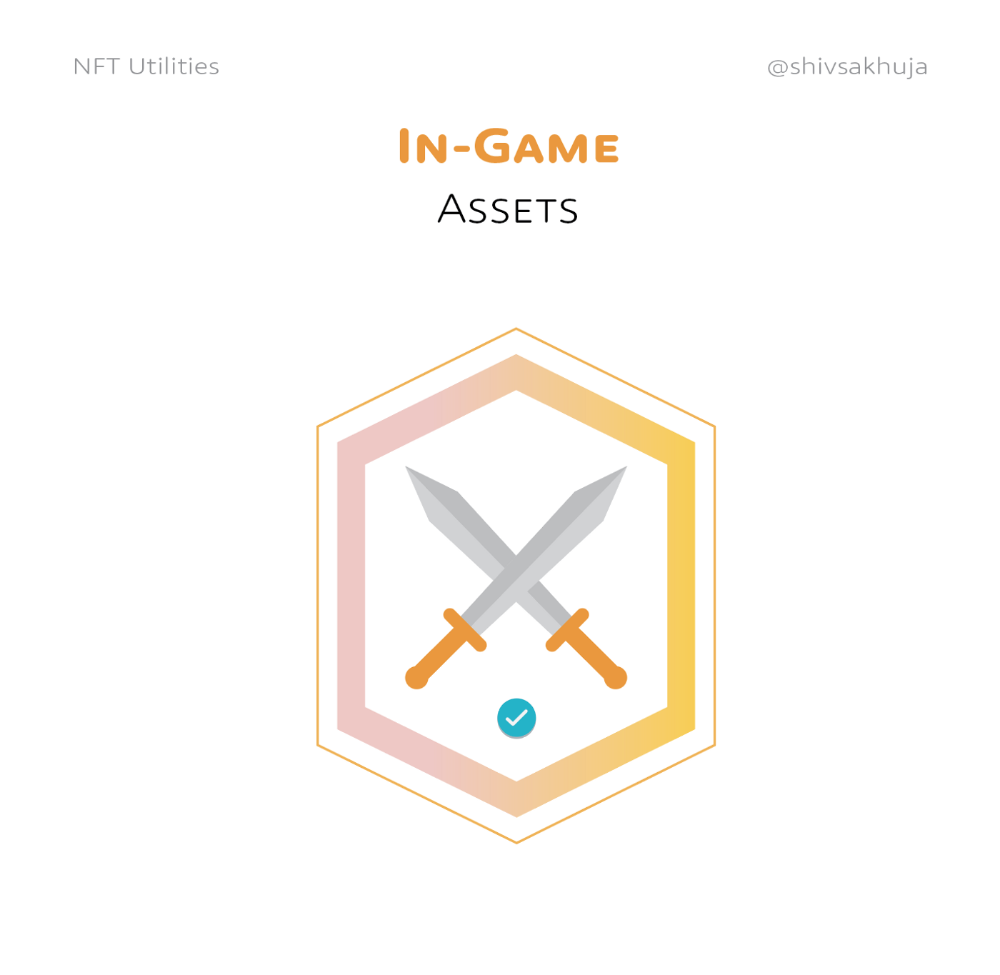
The gaming industry is expected to make $200 BILLION in revenue this year, a significant portion of which comes from in-game purchases.
Royalties on secondary market trading of gaming assets encourage gaming businesses to develop NFT-based ecosystems.
Digital assets are the start. On-chain NFTs can represent real-world assets effectively.
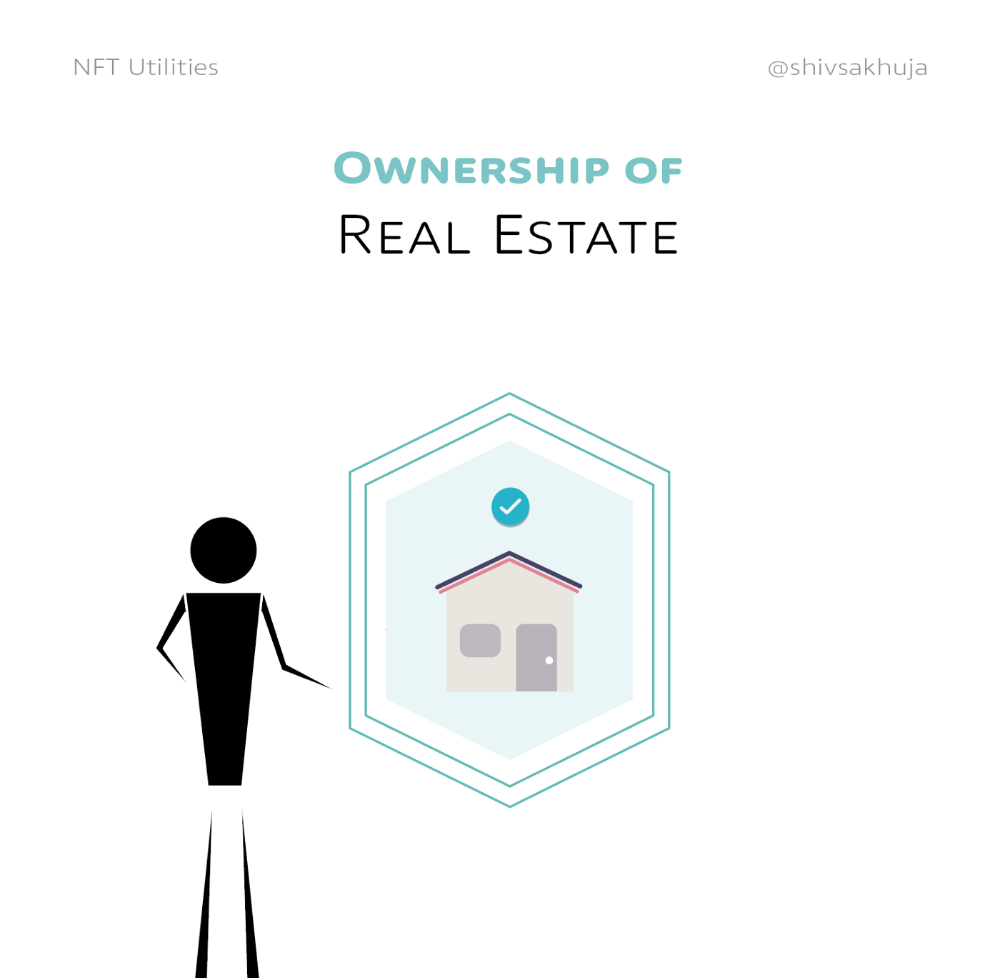
Real estate has a unique owner and requires ownership confirmation.
Real Estate
Tokenizing property has many benefits.
1. Can be fractionalized to increase access, liquidity
2. Can be collateralized to increase capital efficiency and access to loans backed by an on-chain asset
3. Allows investors to diversify or make bets on specific neighborhoods, towns or cities +++
I've written about this thought exercise before.
I made an animated video explaining this.
We've just explored NFTs for transferable assets. But what about non-transferrable NFTs?
SBTs are Soul-Bound Tokens. Vitalik Buterin (Ethereum co-founder) blogged about this.
NFTs are basically verifiable digital certificates.
Diplomas & Degrees
That fits Degrees & Diplomas. These shouldn't be marketable, thus they can be non-transferable SBTs.
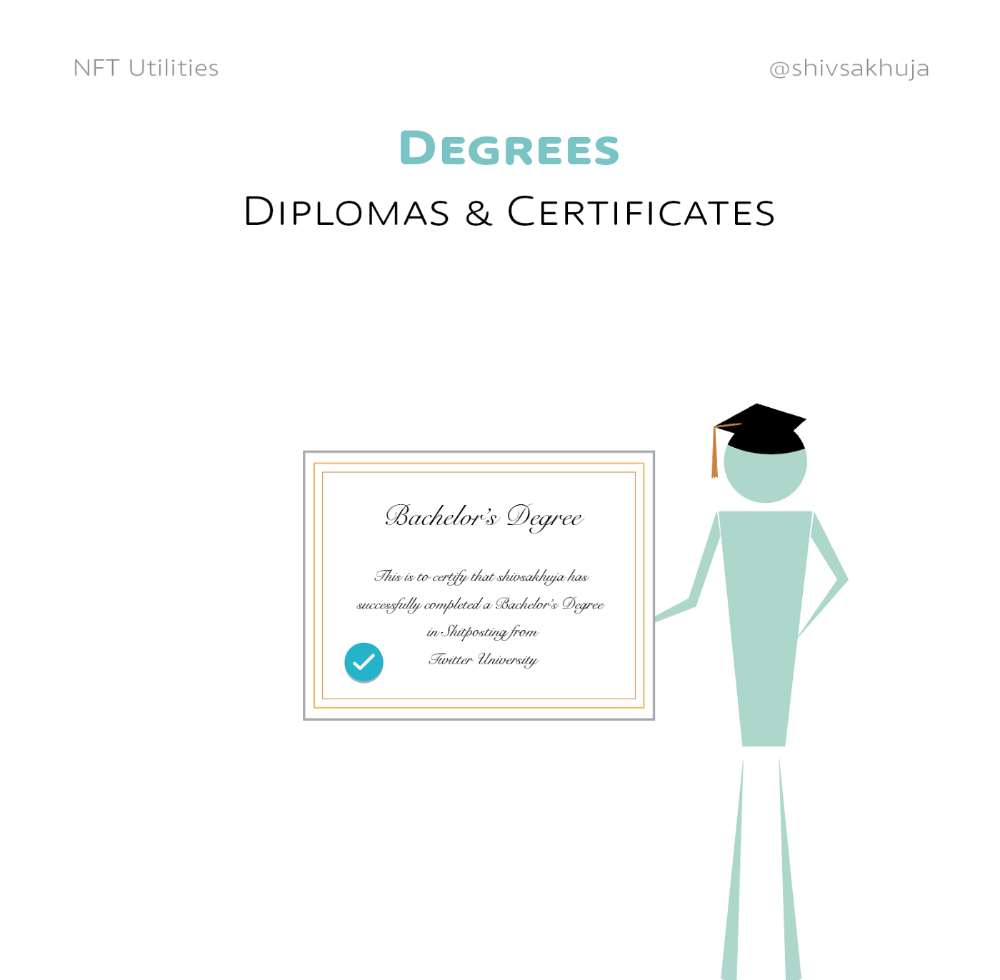
Anyone can verify the legitimacy of on-chain credentials, degrees, abilities, and achievements.
The same goes for other awards.
For example, LinkedIn could give you a verified checkmark for your degree or skills.
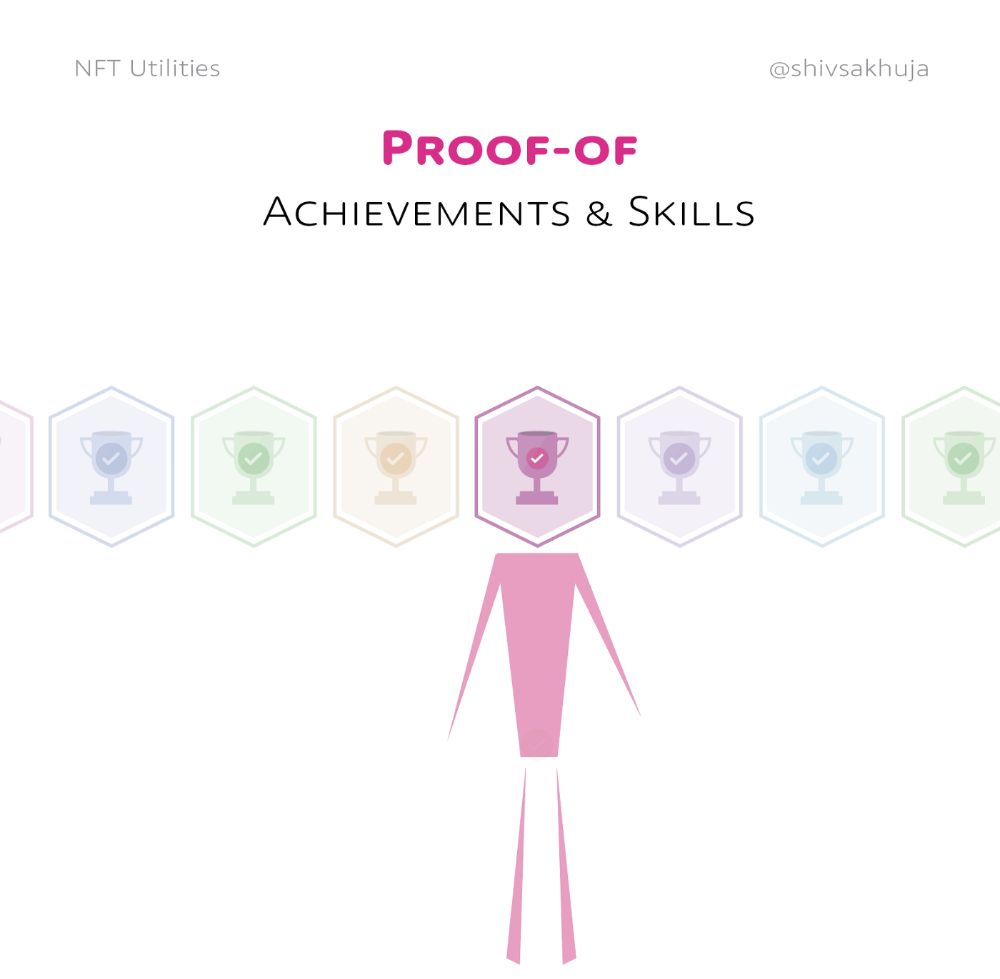
Authenticity Protection
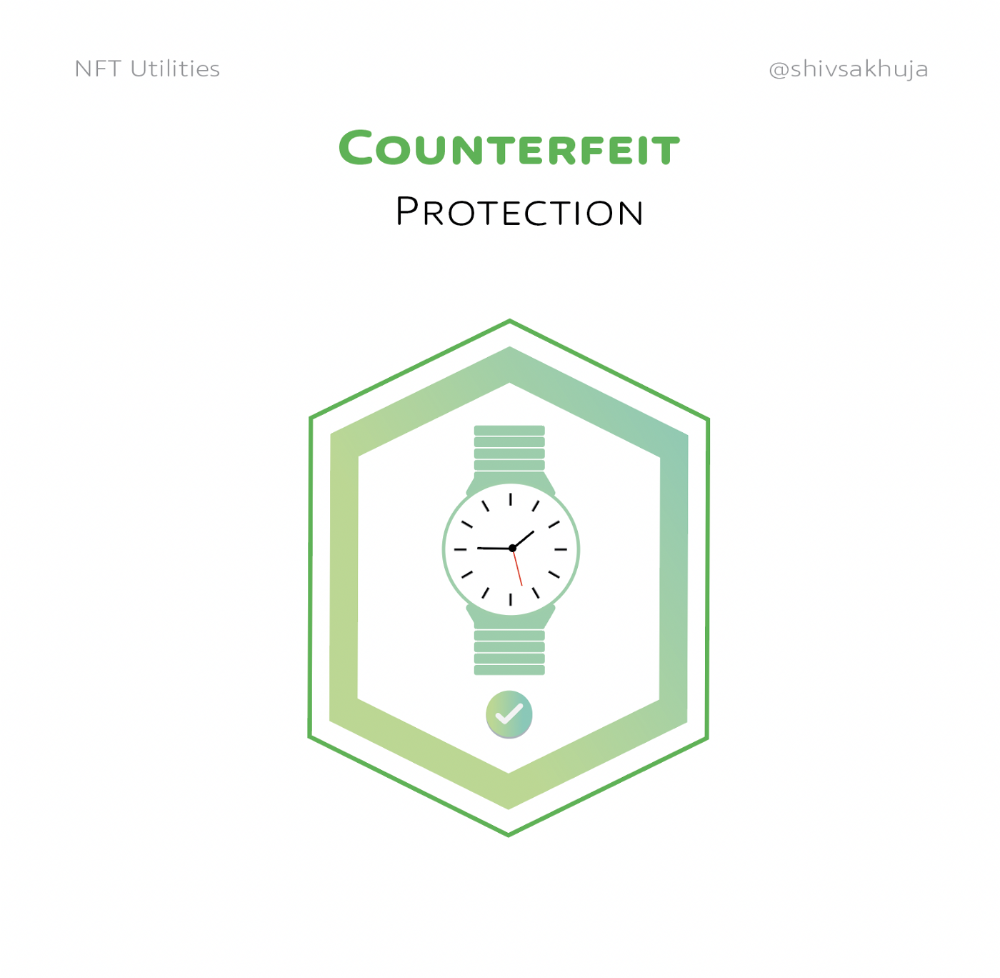
NFTs can also safeguard against counterfeiting.
Counterfeiting is the largest criminal enterprise in the world, estimated to be $2 TRILLION a year and growing.
Anti-counterfeit tech is valuable.
This is one of @ORIGYNTech's projects.
Identity
Identity theft/verification is another real-world problem NFTs can handle.
In the US, 15 million+ citizens face identity theft every year, suffering damages of over $50 billion a year.
This isn't surprising considering all you need for US identity theft is a 9-digit number handed around in emails, documents, on the phone, etc.
Identity NFTs can fix this.
NFTs are one-of-a-kind and unforgeable.
NFTs offer a universal standard.
NFTs are simple to verify.
SBTs, or non-transferrable NFTs, are tied to a particular wallet.
In the event of wallet loss or theft, NFTs may be revoked.
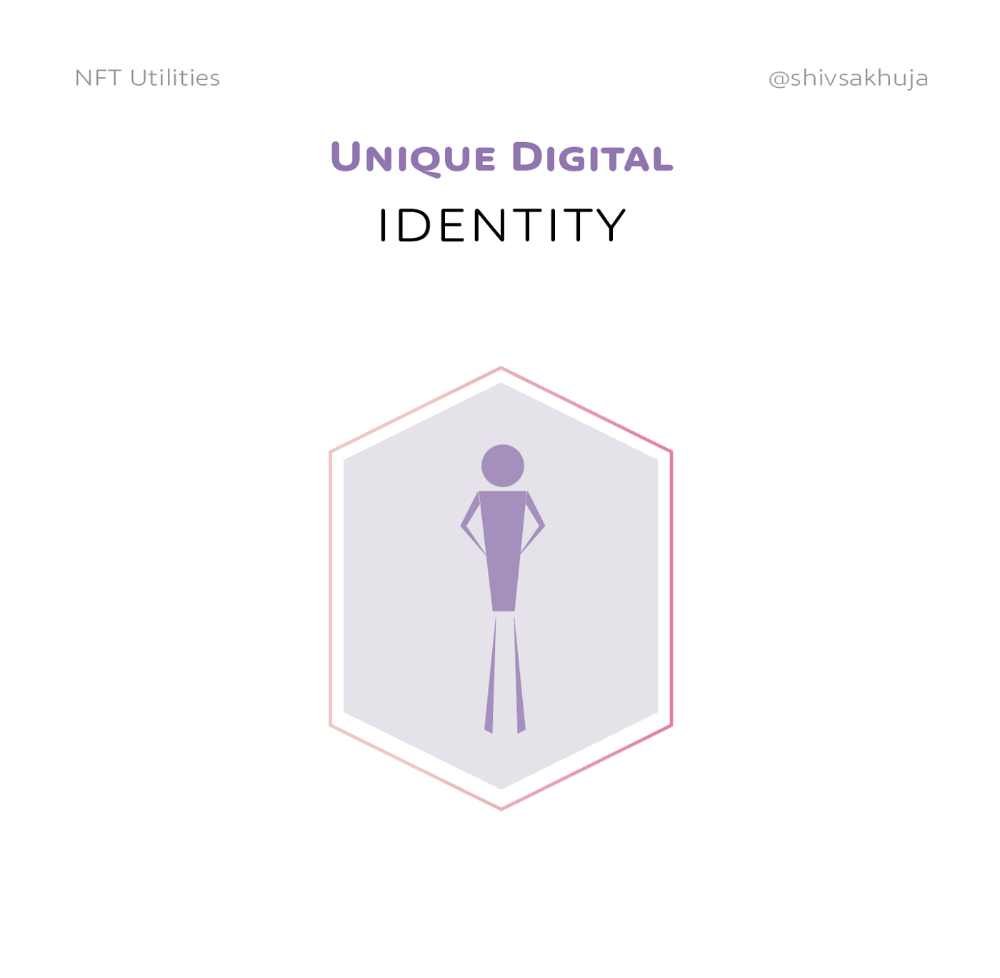
This could be one of the biggest use cases for NFTs.
Imagine a global identity standard that is standardized across countries, cannot be forged or stolen, is digital, easy to verify, and protects your private details.
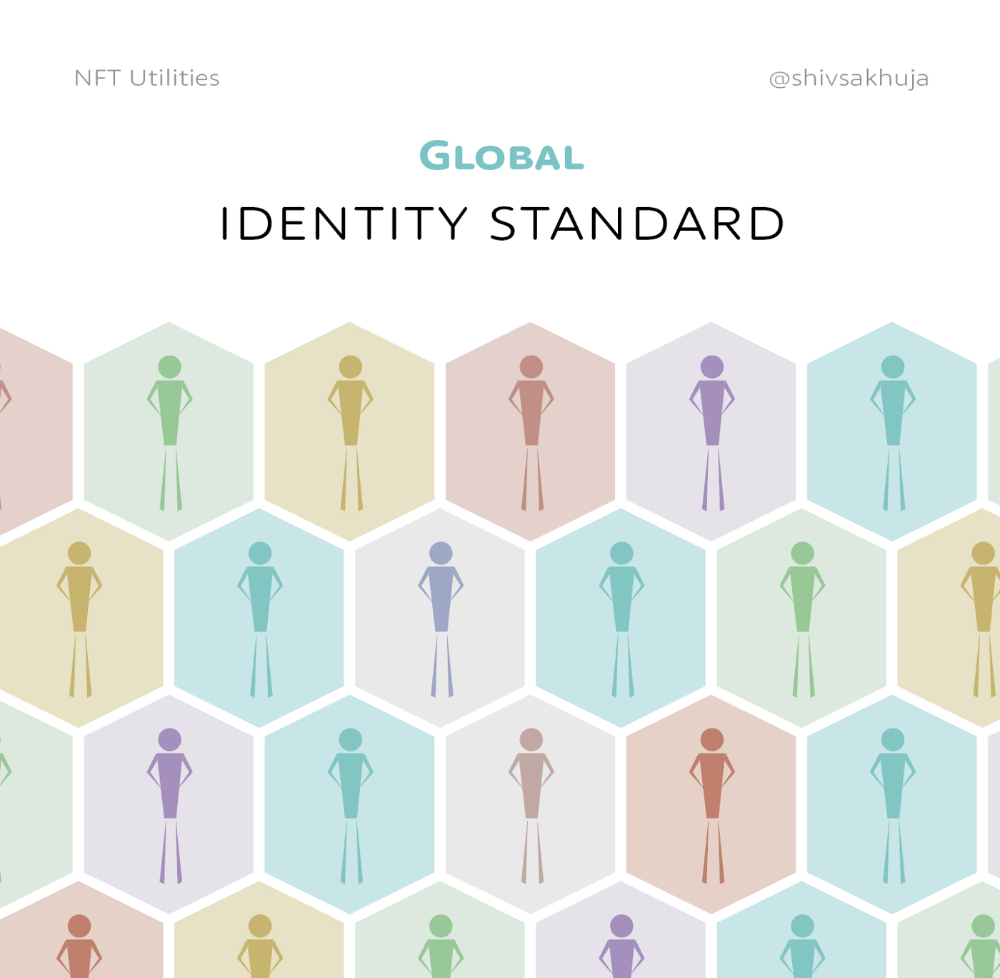
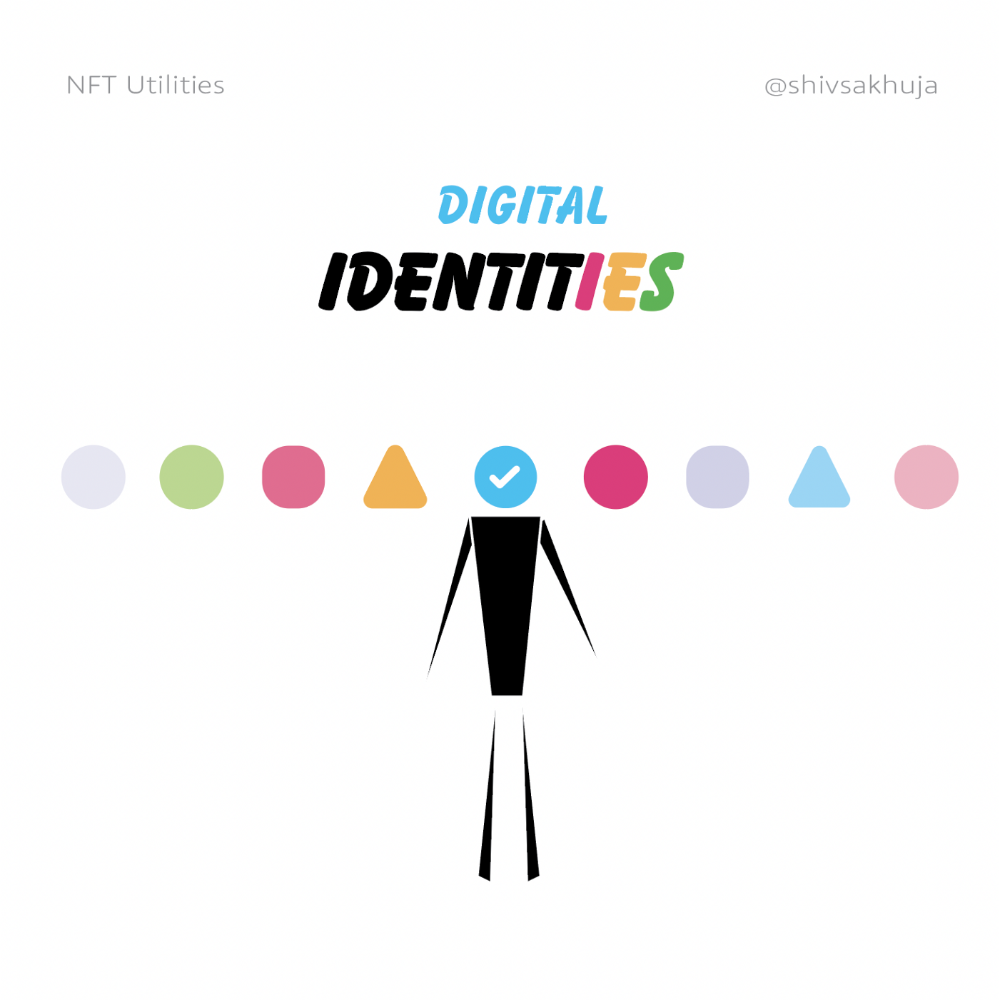
Since your identity is more than your government ID, you may have many NFTs.
@0xPolygon and @civickey are developing on-chain identity.
Memberships
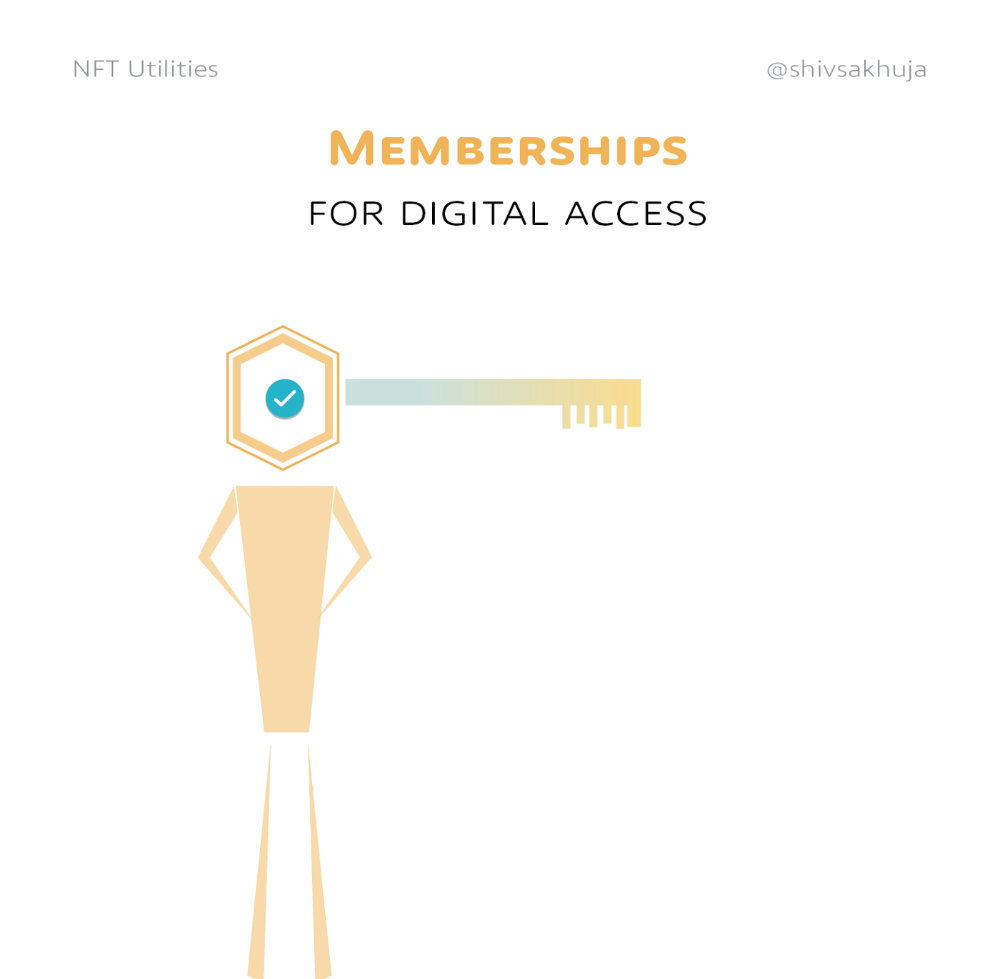
NFTs can authenticate digital and physical memberships.
Voting
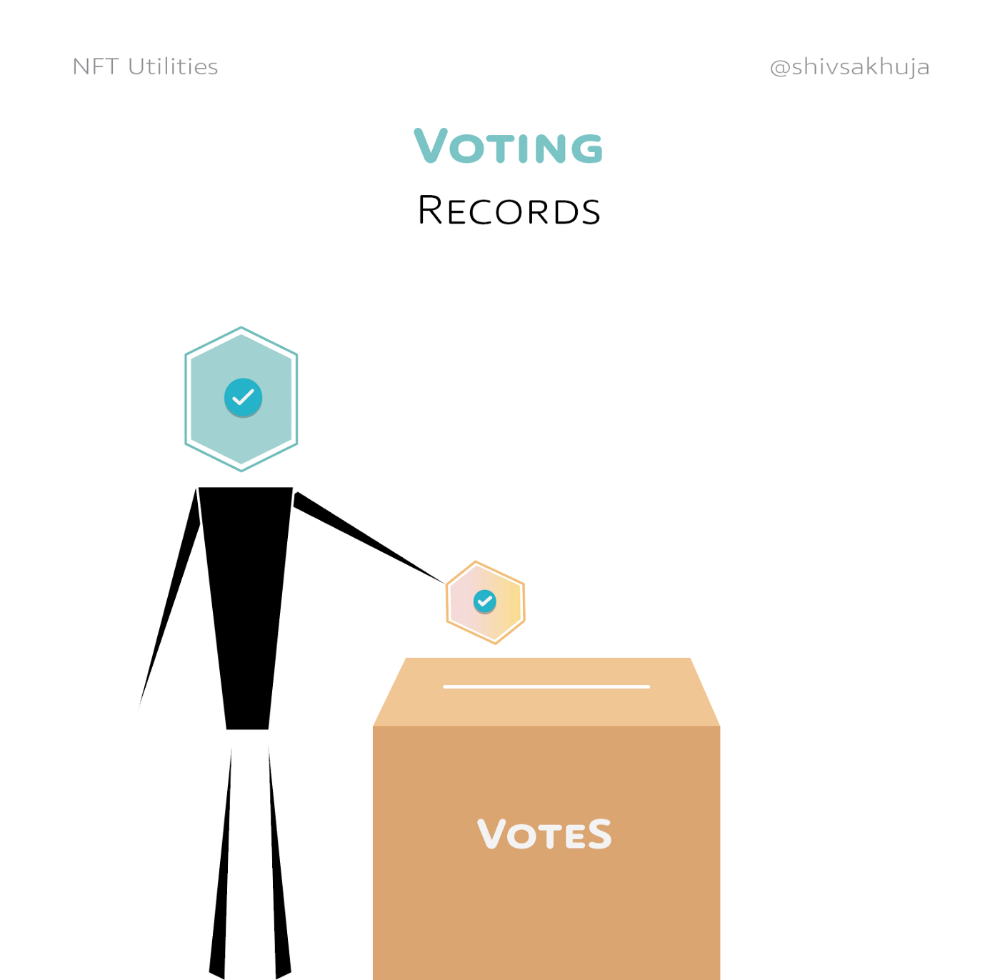
NFT IDs can verify votes.
If you remember 2020, you'll know why this is an issue.
Online voting's ease can boost turnout.
Informational property
NFTs can protect IP.
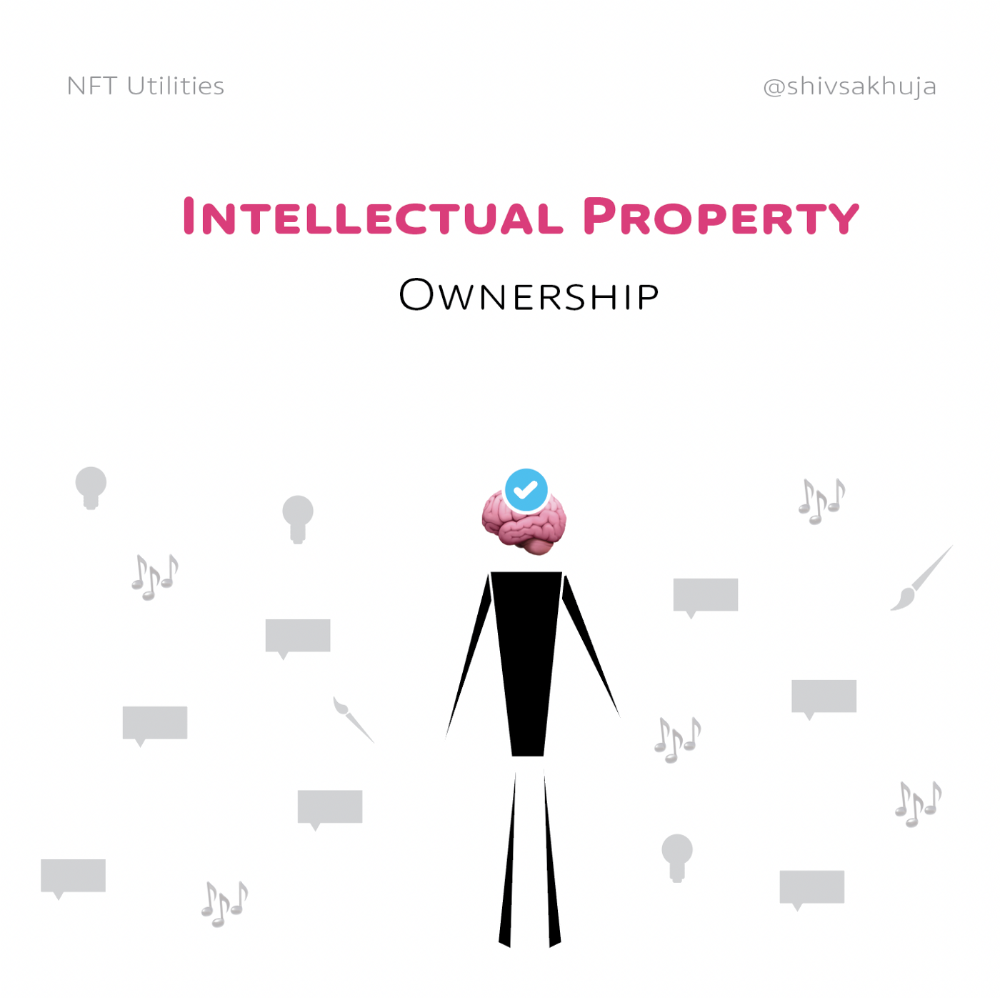
This can earn creators royalties.
NFTs have 2 important properties:
Verifiability IP ownership is unambiguously stated and publicly verified.
Platforms that enable authors to receive royalties on their IP can enter the market thanks to standardization.
Content Rights
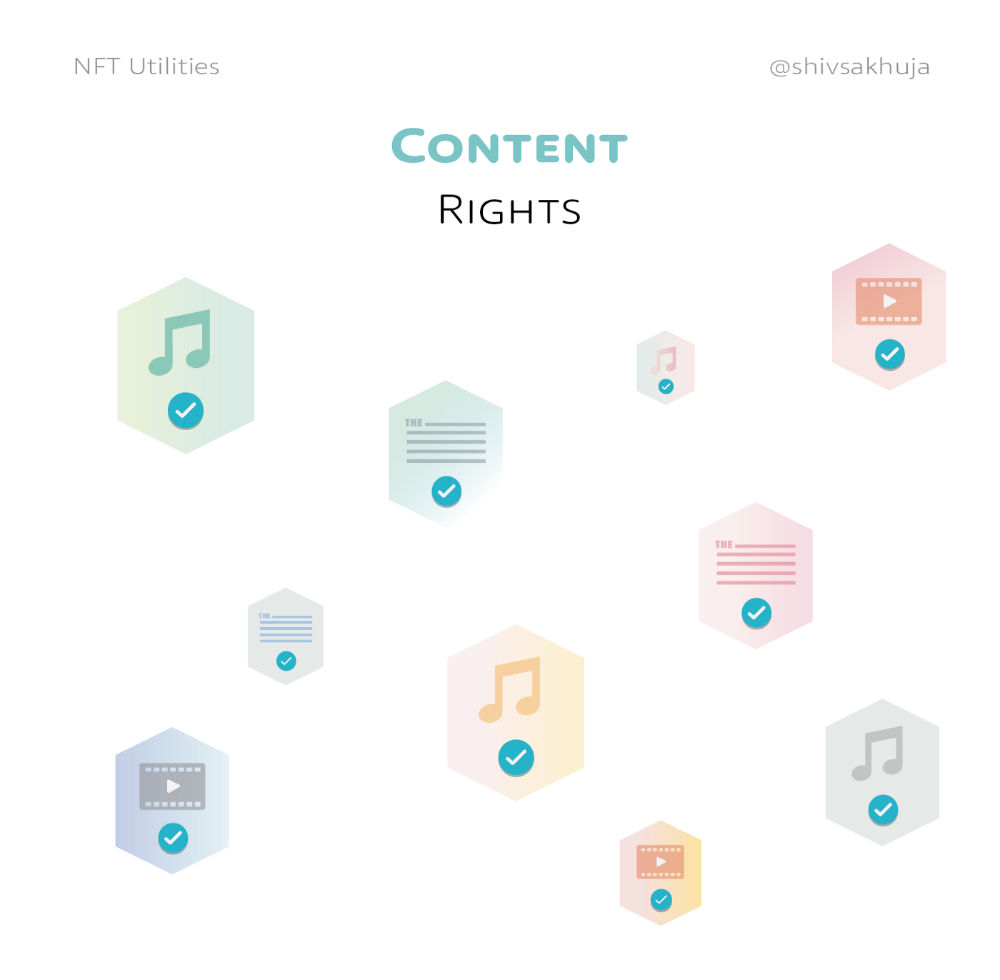
Monetization without copyrighting = more opportunities for everyone.
This works well with the music.
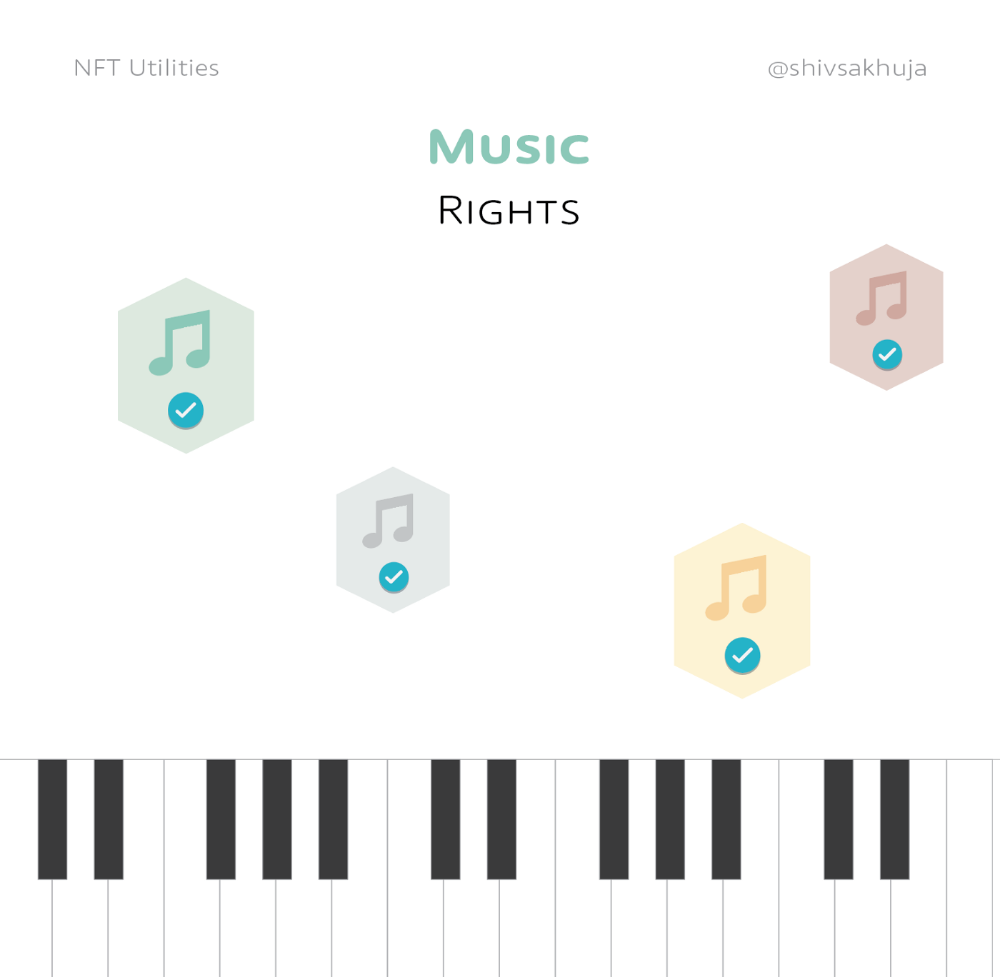
Spotify and Apple Music pay creators very little.
Crowdfunding
Creators can crowdfund with NFTs.
NFTs can represent future royalties for investors.
This is particularly useful for fields where people who are not in the top 1% can’t make money. (Example: Professional sports players)
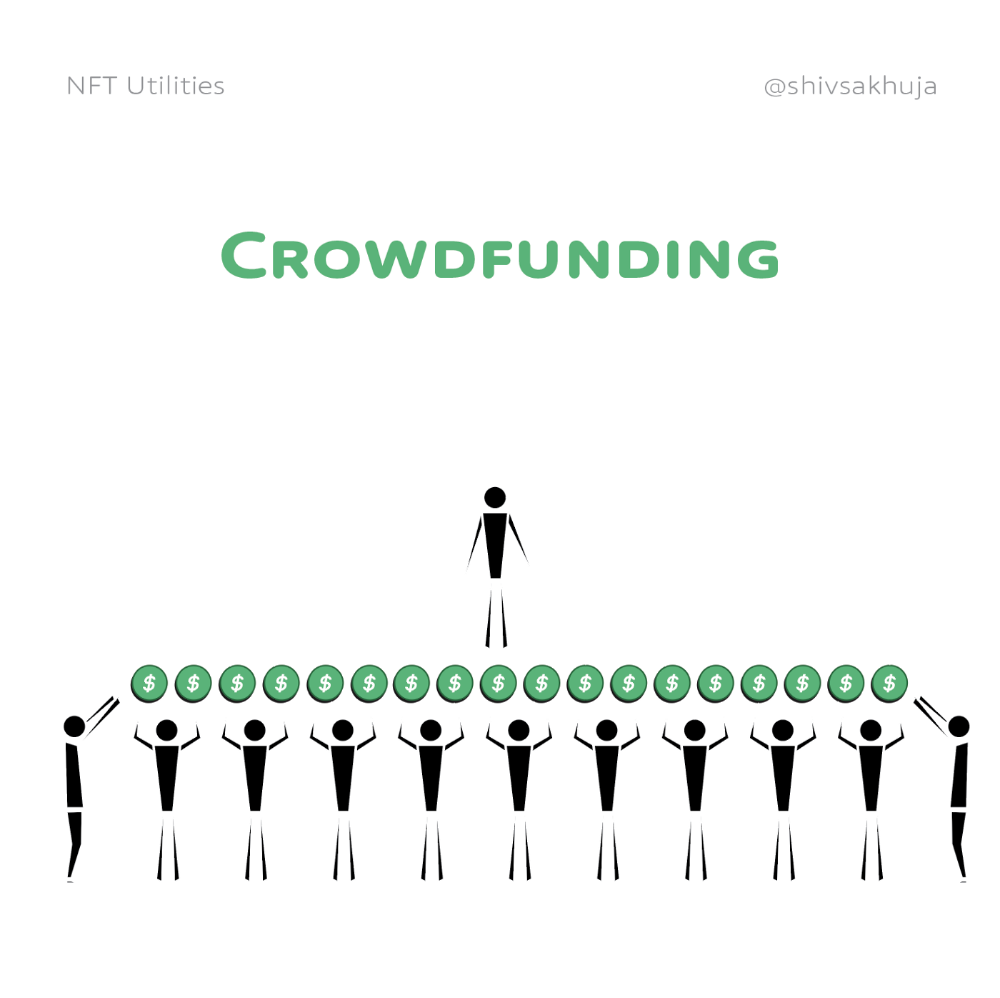
Mirror.xyz allows blog-based crowdfunding.
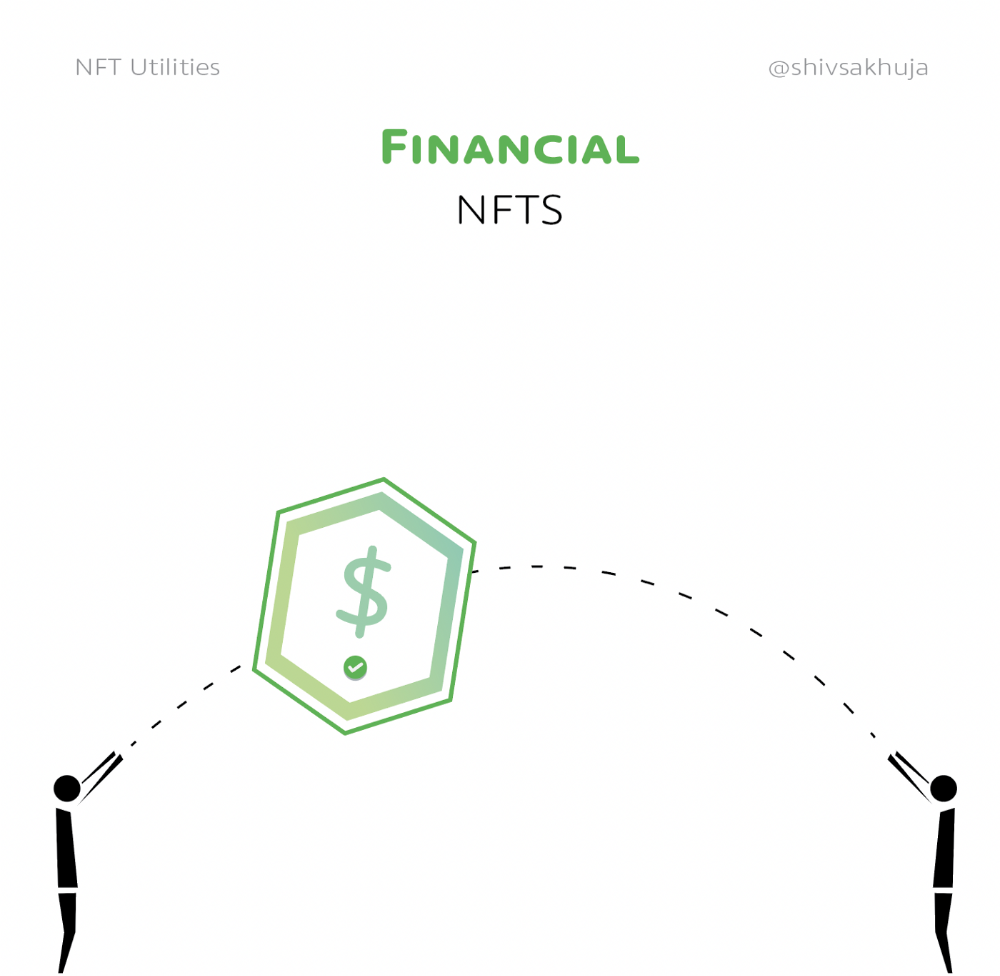
Financial NFTs
This introduces Financial NFTs (fNFTs). Unique financial contracts abound.
Examples:
a person's collection of assets (unique portfolio)
A loan contract that has been partially repaid with a lender
temporal tokens (ex: veCRV)
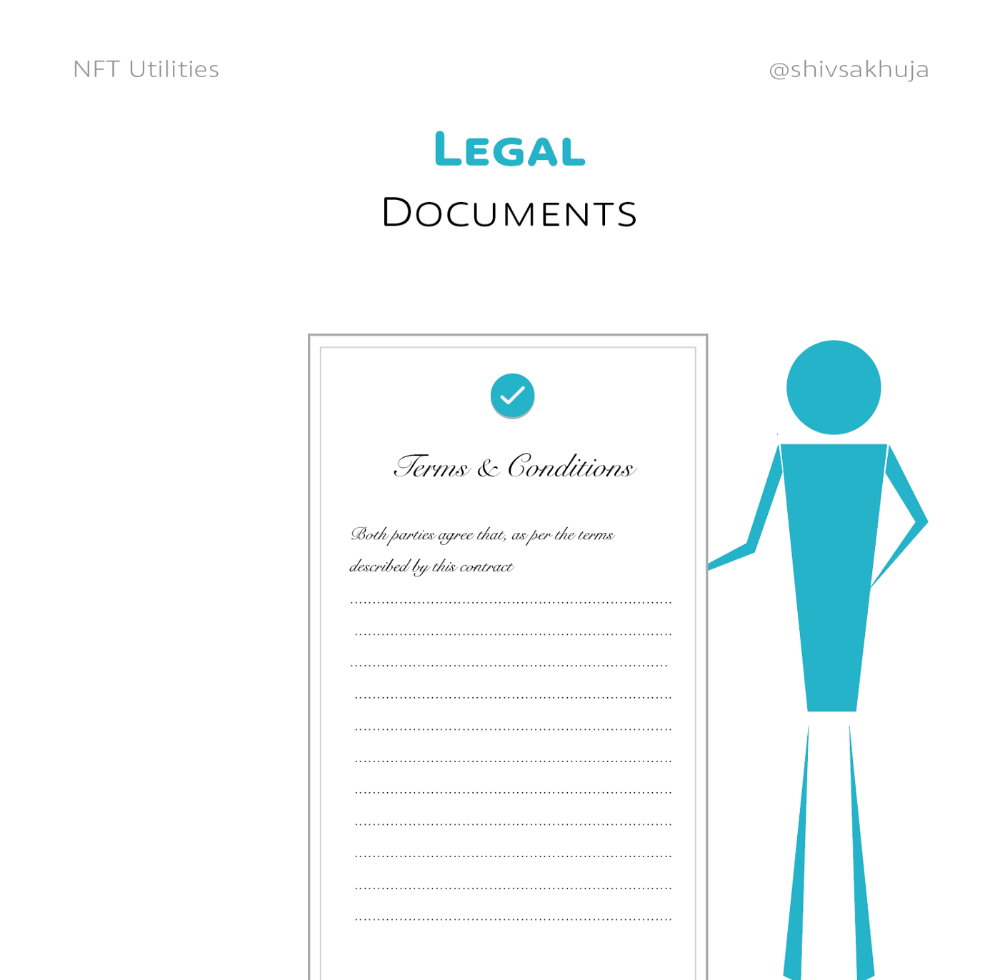
Legal Agreements
Not just financial contracts.
NFT can represent any legal contract or document.
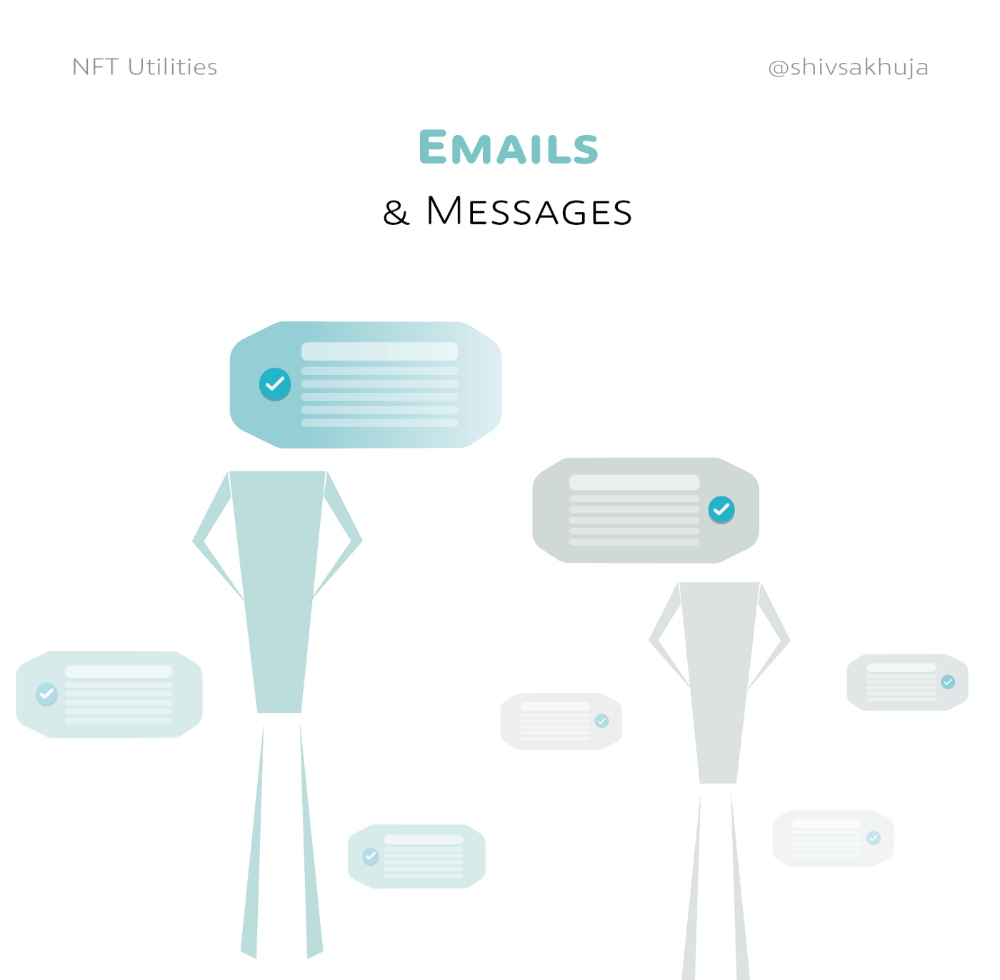
Messages & Emails
What about other agreements? Verbal agreements through emails and messages are likewise unique, but they're easily lost and fabricated.
Health Records
Medical records or prescriptions are another types of documentation that has to be verified but isn't.
Medical NFT examples:
Immunization records
Covid test outcomes
Prescriptions
health issues that may affect one's identity
Observations made via health sensors
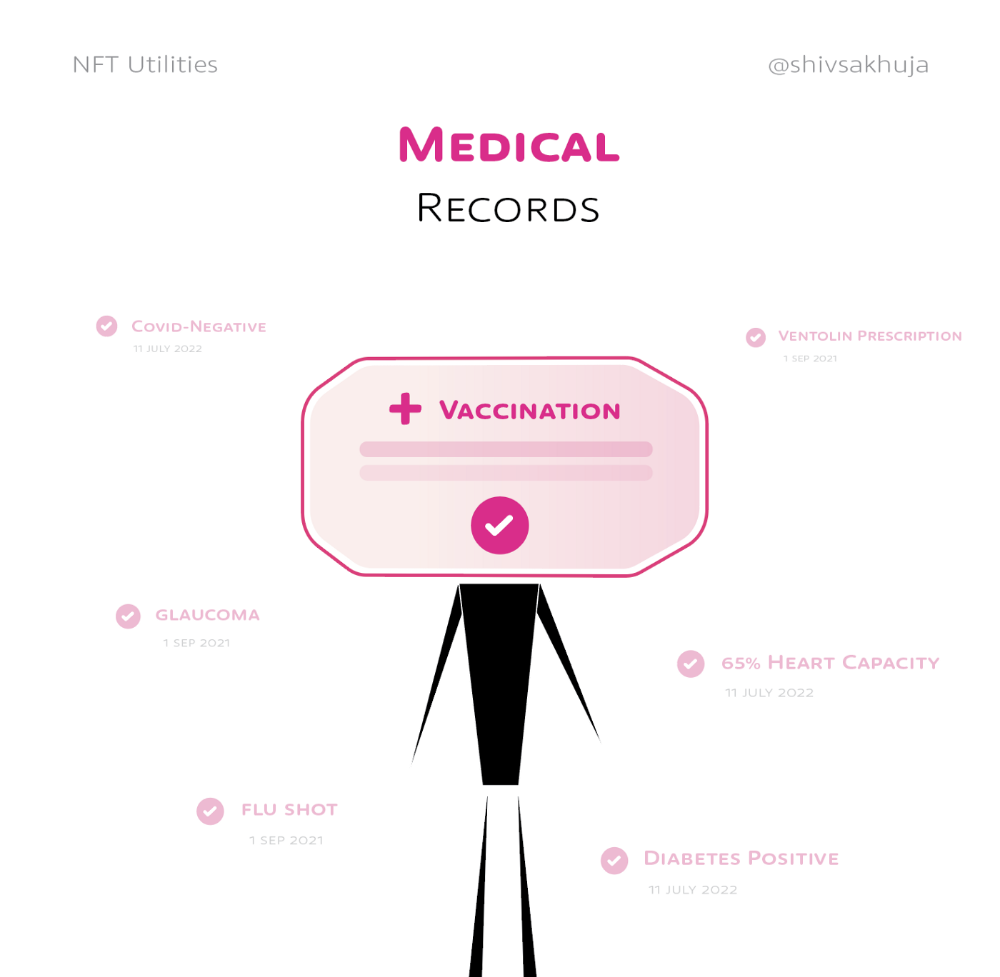
Existing systems of proof by paper / PDF have photoshop-risk.
I tried to include most use scenarios, but this is just the beginning.
NFTs have many innovative uses.
For example: @ShaanVP minted an NFT called “5 Minutes of Fame” 👇
Here are 2 Twitter threads about NFTs:
This piece of gold by @chriscantino
2. This conversation between @punk6529 and @RaoulGMI on @RealVision“The World According to @punk6529”
If you're wondering why NFTs are better than web2 databases for these use scenarios, see this Twitter thread I wrote:
If you liked this, please share it.

Web3Lunch
3 years ago
An employee of OpenSea might get a 40-year prison sentence for insider trading using NFTs.

The space had better days. Those greenish spikes...oh wow, haven't felt that in ages. Cryptocurrencies and NFTs have lost popularity. Google agrees. Both are declining.
As seen below, crypto interest spiked in May because of the Luna fall. NFT interest is similar to early October last year.
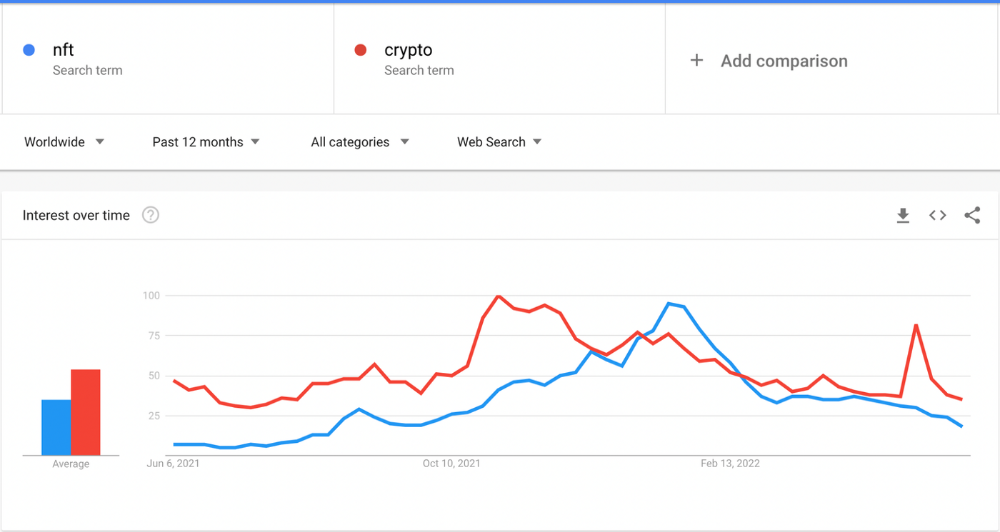
This makes me think NFTs are mostly hype and FOMO. No art or community. I've seen enough initiatives to know that communities stick around if they're profitable. Once it starts falling, they move on to the next project. The space has no long-term investments. Flip everything.
OpenSea trading volume has stayed steady for months. May's volume is 1.8 million ETH ($3.3 billion).
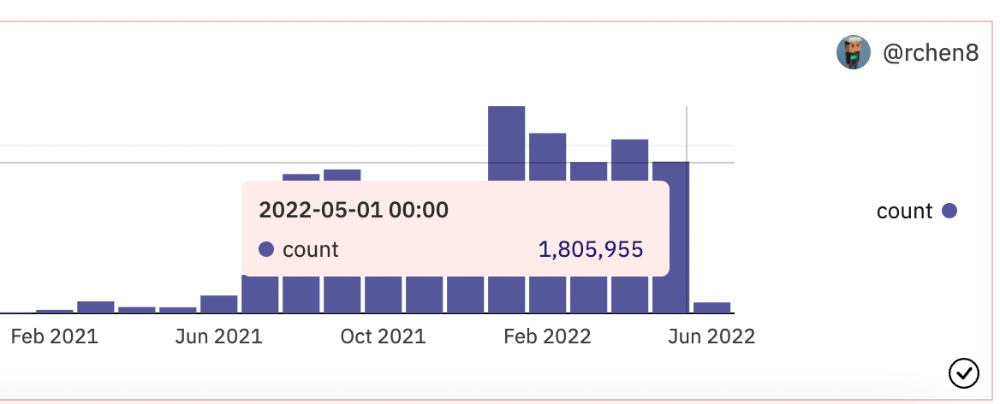
Despite this, I think NFTs and crypto will stick around. In bad markets, builders gain most.
Only 4k developers are active on Ethereum blockchain. It's low. A great chance for the space enthusiasts.
An employee of OpenSea might get a 40-year prison sentence for insider trading using NFTs.
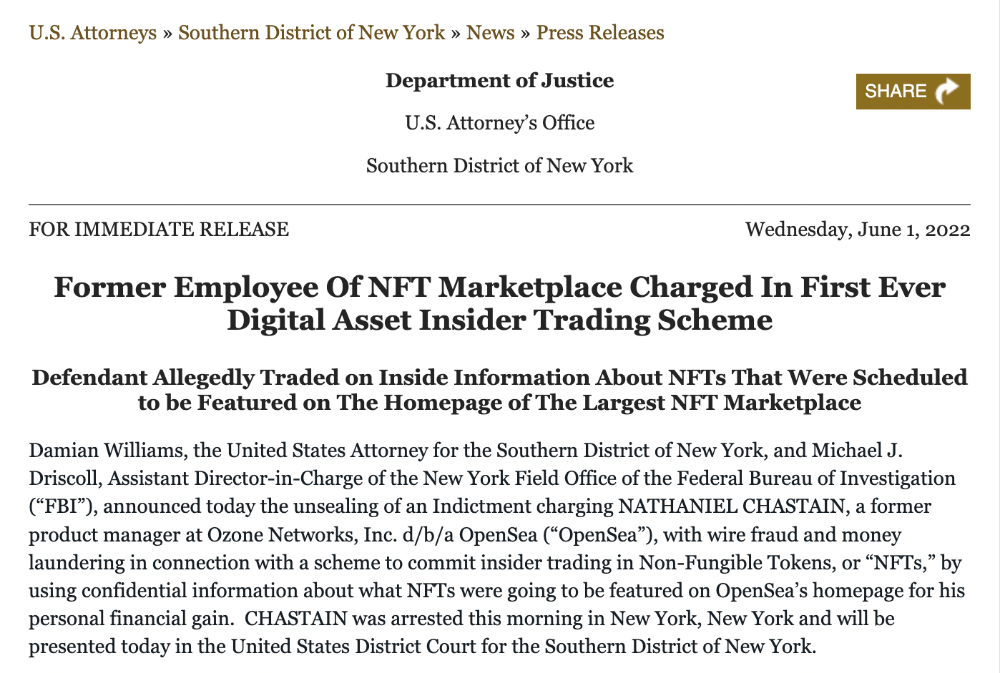
Nathaniel Chastian, an OpenSea employee, traded on insider knowledge. He'll serve 40 years for that.
Here's what happened if you're unfamiliar.
OpenSea is a secondary NFT marketplace. Their homepage featured remarkable drops. Whatever gets featured there, NFT prices will rise 5x.
Chastian was at OpenSea. He chose forthcoming NFTs for OpenSeas' webpage.
Using anonymous digital currency wallets and OpenSea accounts, he would buy NFTs before promoting them on the homepage, showcase them, and then sell them for at least 25 times the price he paid.
From June through September 2021, this happened. Later caught, fired. He's charged with wire fraud and money laundering, each carrying a 20-year maximum penalty.
Although web3 space is all about decentralization, a step like this is welcomed since it restores faith in the area. We hope to see more similar examples soon.
Here's the press release.
Understanding smart contracts
@cantino.eth has a Twitter thread on smart contracts. Must-read. Also, he appears educated about the space, so follow him.

You might also like

CNET
4 years ago
How a $300K Bored Ape Yacht Club NFT was accidentally sold for $3K
The Bored Ape Yacht Club is one of the most prestigious NFT collections in the world. A collection of 10,000 NFTs, each depicting an ape with different traits and visual attributes, Jimmy Fallon, Steph Curry and Post Malone are among their star-studded owners. Right now the price of entry is 52 ether, or $210,000.
Which is why it's so painful to see that someone accidentally sold their Bored Ape NFT for $3,066.
Unusual trades are often a sign of funny business, as in the case of the person who spent $530 million to buy an NFT from themselves. In Saturday's case, the cause was a simple, devastating "fat-finger error." That's when people make a trade online for the wrong thing, or for the wrong amount. Here the owner, real name Max or username maxnaut, meant to list his Bored Ape for 75 ether, or around $300,000. Instead he accidentally listed it for 0.75. One hundredth the intended price.
It was bought instantaneously. The buyer paid an extra $34,000 to speed up the transaction, ensuring no one could snap it up before them. The Bored Ape was then promptly listed for $248,000. The transaction appears to have been done by a bot, which can be coded to immediately buy NFTs listed below a certain price on behalf of their owners in order to take advantage of these exact situations.
"How'd it happen? A lapse of concentration I guess," Max told me. "I list a lot of items every day and just wasn't paying attention properly. I instantly saw the error as my finger clicked the mouse but a bot sent a transaction with over 8 eth [$34,000] of gas fees so it was instantly sniped before I could click cancel, and just like that, $250k was gone."
"And here within the beauty of the Blockchain you can see that it is both honest and unforgiving," he added.
Fat finger trades happen sporadically in traditional finance -- like the Japanese trader who almost bought 57% of Toyota's stock in 2014 -- but most financial institutions will stop those transactions if alerted quickly enough. Since cryptocurrency and NFTs are designed to be decentralized, you essentially have to rely on the goodwill of the buyer to reverse the transaction.
Fat finger errors in cryptocurrency trades have made many a headline over the past few years. Back in 2019, the company behind Tether, a cryptocurrency pegged to the US dollar, nearly doubled its own coin supply when it accidentally created $5 billion-worth of new coins. In March, BlockFi meant to send 700 Gemini Dollars to a set of customers, worth roughly $1 each, but mistakenly sent out millions of dollars worth of bitcoin instead. Last month a company erroneously paid a $24 million fee on a $100,000 transaction.
Similar incidents are increasingly being seen in NFTs, now that many collections have accumulated in market value over the past year. Last month someone tried selling a CryptoPunk NFT for $19 million, but accidentally listed it for $19,000 instead. Back in August, someone fat finger listed their Bored Ape for $26,000, an error that someone else immediately capitalized on. The original owner offered $50,000 to the buyer to return the Bored Ape -- but instead the opportunistic buyer sold it for the then-market price of $150,000.
"The industry is so new, bad things are going to happen whether it's your fault or the tech," Max said. "Once you no longer have control of the outcome, forget and move on."
The Bored Ape Yacht Club launched back in April 2021, with 10,000 NFTs being sold for 0.08 ether each -- about $190 at the time. While NFTs are often associated with individual digital art pieces, collections like the Bored Ape Yacht Club, which allow owners to flaunt their NFTs by using them as profile pictures on social media, are becoming increasingly prevalent. The Bored Ape Yacht Club has since become the second biggest NFT collection in the world, second only to CryptoPunks, which launched in 2017 and is considered the "original" NFT collection.

The woman
3 years ago
Why Google's Hiring Process is Brilliant for Top Tech Talent
Without a degree and experience, you can get a high-paying tech job.
Most organizations follow this hiring rule: you chat with HR, interview with your future boss and other senior managers, and they make the final hiring choice.
If you've ever applied for a job, you know how arduous it can be. A newly snapped photo and a glossy resume template can wear you out. Applying to Google can change this experience.
According to an Universum report, Google is one of the world's most coveted employers. It's not simply the search giant's name and reputation that attract candidates, but its role requirements or lack thereof.
Candidates no longer need a beautiful resume, cover letter, Ivy League laurels, or years of direct experience. The company requires no degree or experience.
Elon Musk started it. He employed the two-hands test to uncover talented non-graduates. The billionaire eliminated the requirement for experience.
Google is deconstructing traditional employment with programs like the Google Project Management Degree, a free online and self-paced professional credential course.
Google's hiring is interesting. After its certification course, applicants can work in project management. Instead of academic degrees and experience, the company analyzes coursework.
Google finds the best project managers and technical staff in exchange. Google uses three strategies to find top talent.
Chase down the innovators
Google eliminates restrictions like education, experience, and others to find the polar bear amid the snowfall. Google's free project management education makes project manager responsibilities accessible to everyone.
Many jobs don't require a degree. Overlooking individuals without a degree can make it difficult to locate a candidate who can provide value to a firm.
Firsthand knowledge follows the same rule. A lack of past information might be an employer's benefit. This is true for creative teams or businesses that prefer to innovate.
Or when corporations conduct differently from the competition. No-experience candidates can offer fresh perspectives. Fast Company reports that people with no sales experience beat those with 10 to 15 years of experience.
Give the aptitude test first priority.
Google wants the best candidates. Google wouldn't be able to receive more applications if it couldn't screen them for fit. Its well-organized online training program can be utilized as a portfolio.
Google learns a lot about an applicant through completed assignments. It reveals their ability, leadership style, communication capability, etc. The course mimics the job to assess candidates' suitability.
Basic screening questions might provide information to compare candidates. Any size small business can use screening questions and test projects to evaluate prospective employees.
Effective training for employees
Businesses must train employees regardless of their hiring purpose. Formal education and prior experience don't guarantee success. Maintaining your employees' professional knowledge gaps is key to their productivity and happiness. Top-notch training can do that. Learning and development are key to employee engagement, says Bob Nelson, author of 1,001 Ways to Engage Employees.
Google's online certification program isn't available everywhere. Improving the recruiting process means emphasizing aptitude over experience and a degree. Instead of employing new personnel and having them work the way their former firm trained them, train them how you want them to function.
If you want to know more about Google’s recruiting process, we recommend you watch the movie “Internship.”

CyberPunkMetalHead
3 years ago
I made ChatGPT copy itself.
OpenAI's ChatGPT is an amazing AI-powered chatbot. It can write poetry, stories, and marketing campaigns, and it's also adept at coding. ChatGPT's coding is so amazing that it replicated itself. What happened:
Me: Hi
Hello! Can I help? I'll answer any inquiries you have.
Me: Build a python and flask AI chatbot that responds to user messages on the frontend.
CGPT:
from flask import Flask, request, jsonify

import openai
openai.api_key = "YOUR_API_KEY"

@app.route('/chatbot', methods=['POST'])
def chatbot():
    user_message = request.get_json()['message']
    response = chatbot_response(user_message)
    return jsonify({'response': response})


def chatbot_response(user_message):
    response = openai.Completion.create(
        engine="text-davinci-002",
        prompt=user_message,
        max_tokens=1024,
        n = 1,
        temperature=0.5
    )
    return response['choices'][0]['text']

if __name__ == '__main__':
    app.run()
To integrate a chatbot with a frontend, use Flask to serve an HTML page with a form for user messages and the chatbot's answer. AJAX can submit the form to the /chatbot route, and JavaScript can show the chatbot's response.
I imported code snippets at the top of the file.
Let's add a frontend interface, I said.
CGPT:
<!DOCTYPE html>
<html>
<head>
    <title>AI Chatbot</title>
</head>
<body>
    <h1>AI Chatbot</h1>
    <form id="chatbot-form">
        <label for="message">Message:</label><br>
        <input type="text" id="message" name="message"><br>
        <input type="submit" value="Submit">
    </form>
    <div id="chatbot-response"></div>

    <script src="https://ajax.googleapis.com/ajax/libs/jquery/3.5.1/jquery.min.js"></script>
    <script>
        $(document).ready(function() {
            $("#chatbot-form").submit(function(e) {
                e.preventDefault();
                var userMessage = $("#message").val();
                $.ajax({
                    type: "POST",
                    url: "/chatbot",
                    data: JSON.stringify({message: userMessage}),
                    contentType: "application/json; charset=utf-8",
                    dataType: "json",
                    success: function(response) {
                        $("#chatbot-response").text(response.response);
                    }
                });
            });
        });
    </script>
</body>
</html>
To serve this HTML page using Flask, build a new route that returns the page as a GET response.
So far, so good.
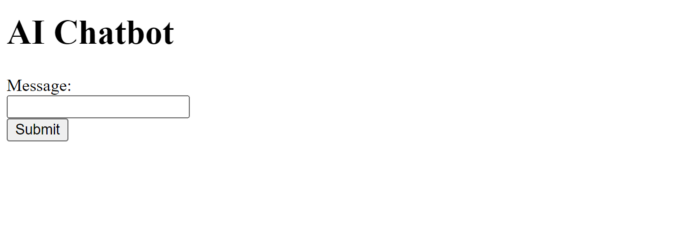
Looked quite basic so I got chatGPT to add some tailwind to the project.
Me: Tailwind the chatbot.html page, please. Give it a futuristic style with purple and neon
After a few more prompts, Talk GPT aligned the form to the center, changed some colors, and added padding.
CGPT:
<!DOCTYPE html>
<html>
<head>
    <title>AI Chatbot</title>
    <link href="https://unpkg.com/tailwindcss@^1.0/dist/tailwind.min.css" rel="stylesheet">
</head>
<body class="bg-black flex flex-col justify-center items-center">
    <h1 class="sm:text-center text-purple-500">AI Chatbot</h1>
    <form id="chatbot-form" class="border-purple-500 bg-purple-800 rounded">
        <label for="message">Message:</label><br>
        <input type="text" id="message" name="message" class="min-w-30 rounded"><br>
        <input type="submit" value="Submit" class="bg-purple-500 border-red-500 transform hover:scale-110 rounded">
    </form>
    <div class="flex justify-center">
        <div id="chatbot-response" class="text-white rounded"></div>
    </div>

    <script src="https://ajax.googleapis.com/ajax/libs/jquery/3.5.1/jquery.min.js"></script>
    <script>
        var colors = ['red', 'orange', 'yellow', 'green', 'blue', 'indigo', 'violet'];
        var colorIndex = 0;

        $(document).ready(function() {
            setInterval(function() {
                $("#chatbot-form").css('border-color', colors[colorIndex]);
                colorIndex = (colorIndex + 1) % colors.length;
            }, 1000);

            $("#chatbot-form").submit(function(e) {
                e.preventDefault();
                var userMessage = $("#message").val();
                $.ajax({
                    type: "POST",
                    url: "/chatbot",
                    data: JSON.stringify({message: userMessage}),
                    contentType: "application/json; charset=utf-8",
                    dataType: "json",
                    success: function(response) {
                        $("#chatbot-response").text(response.response);
                    }
                });
            });
        });
    </script>
</body>
</html>
Improved:
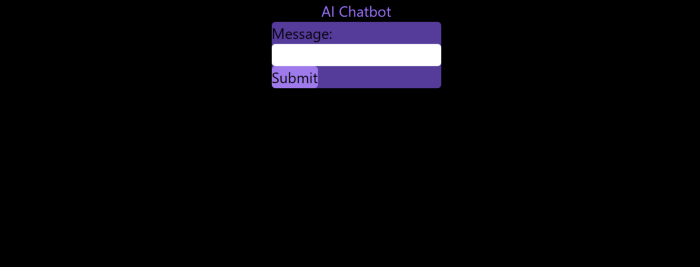
A few more prompts like “Add more vertical and horizontal padding to the submit button and vertical margin, and vertically align this file's body.”
The result:
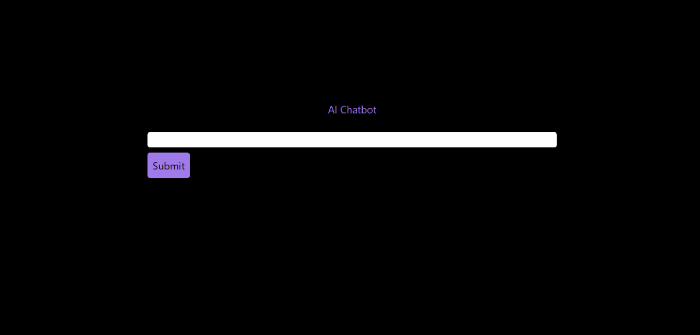
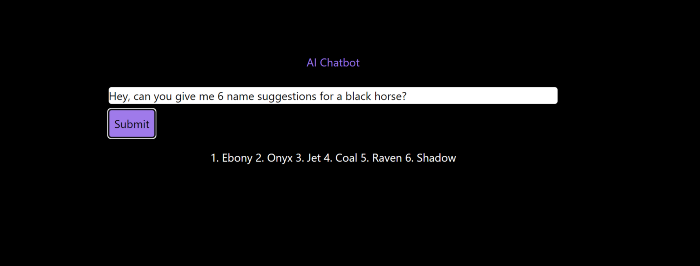
Is it effective? Now, I'll chat with ChatGPT's AI Chatbot. I intervened minimally throughout construction. Chat GPT created numerous files, connected and interacted with its own API, and presented the user request response on the front end by itself.
Me to AI Chatbot: Hey, can you give me 6 name suggestions for a black horse?
Me to AI Chatbot: Write a poem in the style of Jim Morrison. Make sure to mention cacti and black holes
ChatGPTs Chatbot:
In the desert night, I am confronted by cacti,
Their arms reaching out, As if to grab me and take me away.
The stars in the sky, Beckon me to come,
To a world of black holes, Where I can be free.
I am in a trance, My body and mind,
In a state of limbo, As I wander the night.
I hear a voice, Calling me to the unknown,
I cannot resist, The lure of the black hole.
The cacti watch, As I take my leave,
To a place of mystery, Where I can find peace.
Of course, the next question I gave it was to build a chatbot!
Me: Build a python and flask AI chatbot that responds to user messages on the frontend.
ChatbotGPTs:
import os from flask
import Flask, request, jsonify
from chatterbot
import ChatBot
from chatterbot.trainers
import ListTrainer

# Create a new chatbot
bot = ChatBot(
  "My Bot",
  storage_adapter="chatterbot.storage.SQLStorageAdapter",
  logic_adapters=[
    "chatterbot.logic.BestMatch",
    { "import_path": "chatterbot.logic.BestMatch",
      "statement_comparison_function": "chatterbot.comparisons.levenshtein_distance",
       "response_selection_method": "chatterbot.response_selection.get_first_response" }
    ],
    database_uri="sqlite:///database.sqlite3" )

# Train the chatbot with a few sample conversations
conversation = [ "Hello", "Hi there!", "How are you doing?", "I'm doing great.", "That is good to hear", "Thank you.", "You're welcome." ]
trainer = ListTrainer(bot) trainer.train(conversation)

# Create a Flask app
app = Flask(__name__)

# Define a route for the default URL
@app.route("/") def index(): return "<h1>Chatbot</h1>"

# Define a route for the /get_response URL
@app.route("/get_response", methods=["POST"])

def get_response():
# Get the user's message
user_message = request.form["user_message"]
# Get the bot's response
bot_response = bot.get_response(user_message)
# Return the bot's response
return str(bot_response)
# Run the Flask
app if __name__ == "__main__": app.run()
No matter how many times I tried, the second generation always used chatterbot instead of the ChatGPT API. Even when I told it to use the ChatGPT API, it didn't.
ChatGTP's ability to reproduce or construct other machine learning algorithms is interesting and possibly terrifying. Nothing prevents ChatGPT from replicating itself ad infinitum throughout the Internet other than a lack of desire. This may be the first time a machine repeats itself, so I've preserved the project as a reference. Adding a requirements.txt file and python env for easier deployment is the only change to the code.
I hope you enjoyed this.